

How to choose office space management software: Features and criteria to look for
Many desks sit empty while meeting rooms are constantly overbooked. This mismatch between what employees need and what your office provides wastes money and frustrates teams. It also creates clear opportunities for office space optimization. Office space management software solves this by tracking who uses which spaces and when. It gives you the data to make better decisions about desk booking, room allocation, and real estate costs. This guide explains what these tools do and how they benefit organizations and employees. You'll also learn what to look for when choosing the right platform for your hybrid workplace.
TL;DR
Office space management software helps hybrid companies book desks and rooms, track space utilization, and make data-driven decisions about their real estate. Here's what you need to know:
What is office space management software?
Office space management software is a digital tool that helps businesses use workspace more efficiently through occupancy data and analytics. It tracks who uses certain spaces and when. This data supports decisions about how to organize your office and resources.
The primary goal is ensuring your physical space gets used efficiently. It caters to both your organization's operational needs and your employees' comfort. For hybrid companies, this means understanding which workspaces your staff requires. Then you ensure access to those specific areas.
Office managers, facility teams, HR operations, and finance leaders all rely on this software to improve working areas and reduce costs.
Core features to look for
The main features of office space management software include:
These features enable dynamic workspace management. They also enhance employee experience in a flexible work environment.
Who benefits from this software
Different stakeholders get different value from office space management software.
Employees gain the ability to plan their week, find available desks, and coordinate with teammates. They can see who's coming in and book spaces that match their work needs. That means a quiet desk for focused work or a meeting room for collaboration.
Office and facility managers get visibility into how spaces are actually used. This helps them make informed decisions about layouts, resources, and maintenance schedules.
HR teams can support flexible work arrangements while maintaining connection and culture. They also gain insights into attendance patterns that inform policy decisions.
Finance and real estate leaders access the data needed to right-size offices and justify real estate investments. When you know exactly how people use the space, you can make confident decisions about leases and expansions.
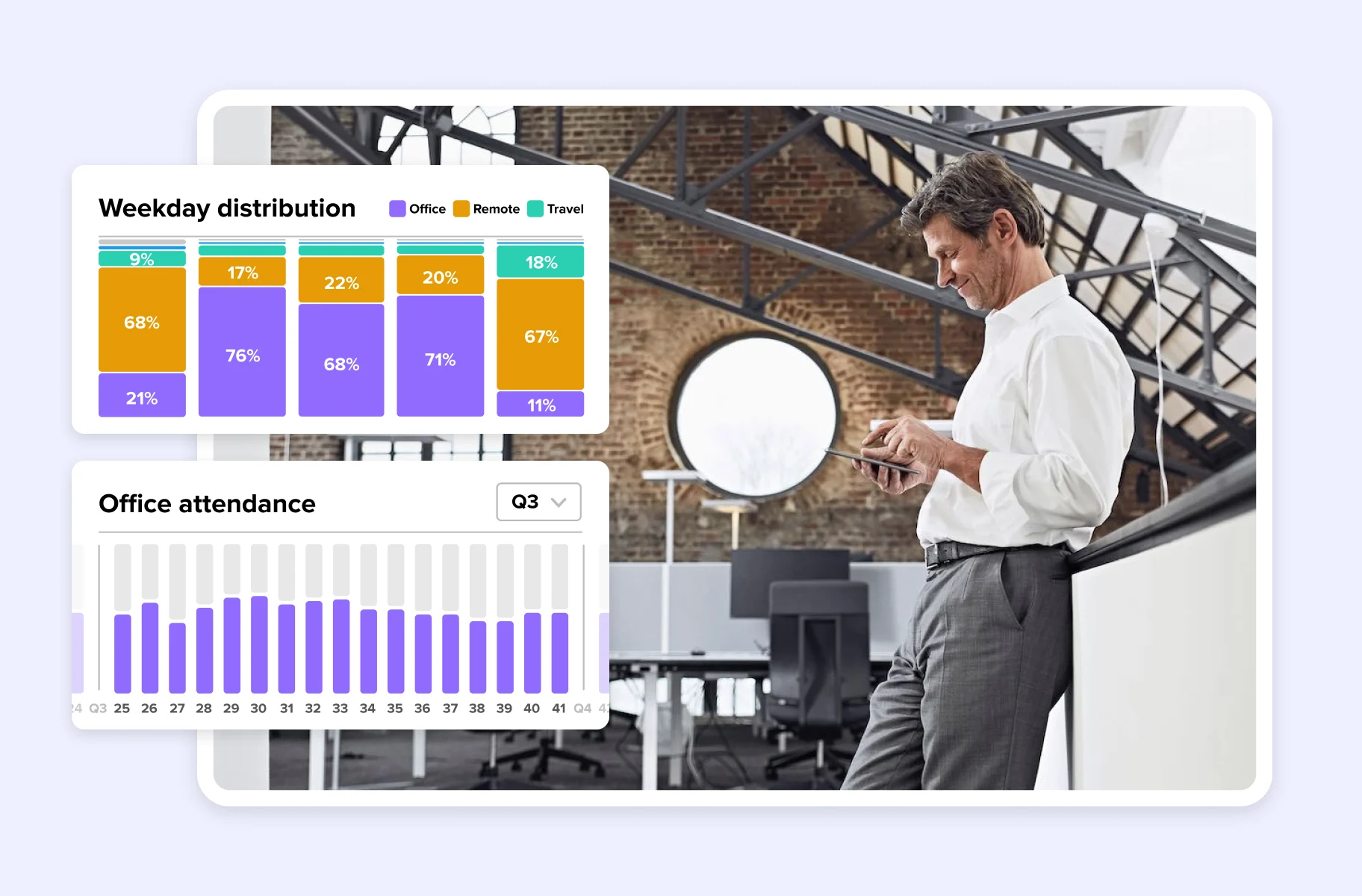
How office space management software benefits your organization
Make space utilization more efficient with real data
Actual data about how your employees use the office makes improving space efficiency easier and more relevant. You can spot areas of improvement by analyzing how your staff uses different workspaces. Combine this data with their feedback.
Consider a common scenario. Your initial plan doesn't work. People don't come on-site because they lack access to the workspaces they need, meeting rooms are constantly booked, and half of the single desks sit empty.
With workplace analytics, HR, facility, and finance managers can collaborate to rethink the workspace. They can create an environment that better meets employee expectations, based on real occupancy data, not assumptions.
Reduce real estate and operational costs
Making the most of your workspace often reduces office expenses. More people work from home now. Many businesses realize their office layout is no longer appropriate. Why provide an individual desk for each employee if half work remotely?
Choosing the right layout and making your office more efficient can lower your real estate costs significantly. The savings extend beyond rent:
Want to learn how a hybrid work setup can reduce costs? Read our article about office cost-saving ideas. You can also explore strategies for downsizing office space without sacrificing employee experience.
Make decisions based on analytics, not guesswork
The efforts you put into designing a people-centric work environment deeply matter. Studies show that office layout impacts productivity in measurable ways.
Workplace analytics balance spatial needs and worker preferences. This allows you to create tailored work areas that enhance comfort and productivity. Features like desk booking and space utilization analytics ensure workspaces are flexible. They accommodate various working styles.
Reliable occupancy data is the key. When booking data matches actual usage, you can confidently answer key questions. Which days are peak days? Which spaces are underutilized? Where do teams prefer to work?
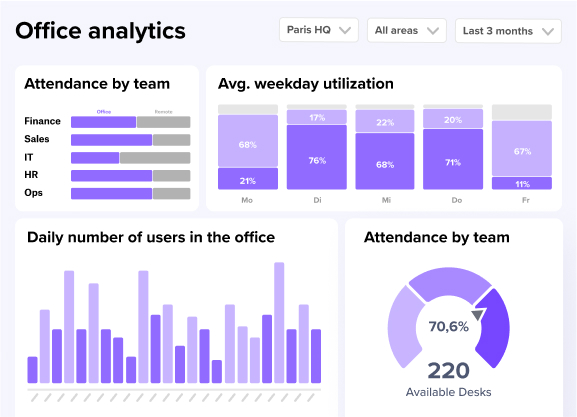
How office space management software benefits employees
Employee experience matters more than ever for attracting and retaining talent. Hybrid office software helps workers schedule their week quickly while removing unnecessary stress.
Book desks and rooms without friction
Nothing frustrates employees more than arriving at the office to find no available desks. Booking a meeting room only to discover someone else is already using it is equally frustrating.
Good desk booking software eliminates these problems. Real-time availability updates prevent double bookings. Automatic check-in requirements reduce no-shows that waste space. Employees can see exactly what's available before they commute.
With an intuitive hot desking system, planning a hybrid work schedule becomes simple. Employees can organize their entire week in just a few clicks. They choose spaces that match their tasks for each day.
See who's in the office and plan collaboration
Office space management software doesn't just help you run the workplace effectively. It also supports collaboration and team bonding.
The weekly planning features make it easier to coordinate in-office days. They show who booked a workspace and when. Want to build friendships with colleagues? This visibility lets you come in on the same day as your favorite teammates.
Room booking enables team members to reserve collaborative workspaces for group projects or team catch-ups. Some tasks need that type of space to be completed efficiently. Office events features facilitate company and team event scheduling while encouraging team bonding. These deeper, more personal connections are crucial for developing positive company culture.
Support work-life balance and flexibility
Hybrid work is now commonplace for many organizations. People have gotten used to choosing when to work from home versus the office.
Flexibility at work inevitably changes our relationship with the physical workplace. The on-site experience is more personal now. Employees schedule office days to collaborate with colleagues, attend specific events, or connect with teammates.
Giving people autonomy to choose when to come in lets them prioritize other parts of their lives. This means happier employees who can truly focus on work when they need to. It also means they're less likely to leave. People-centric features directly impact employee satisfaction and support better work-life balance.
How to choose the right office space management software
Not all office space management software is created equal. Here's what to evaluate when comparing options:
[Table1]
Evaluate integration capabilities
Your office space management software needs to work with tools your team already uses. Otherwise, adoption suffers and data becomes fragmented.
These are some of the essential integrations to look for.
Employees can book a desk from their calendar or Teams without switching apps. This makes them far more likely to use the system consistently.
Prioritize ease of use and adoption
The best software is useless if nobody uses it. Confusing interfaces and complicated workflows hurt adoption.
Look for platforms that require minimal training. Employees should be able to book a desk or room in just a few clicks. Mobile apps should mirror the desktop experience so people can manage bookings from anywhere.
Test the software with a small group before rolling out company-wide and watch how quickly they figure it out without guidance. If they struggle, your broader team will too.
Consider privacy and security requirements
For European organizations especially, data privacy matters. Your office space management platform will handle employee location data and attendance patterns and it may also handle sensitive scheduling information.
Key security features to verify include:
ILF Consulting Engineers Austria faced the challenge of managing limited office space across six locations while their workforce grew rapidly. By implementing deskbird, they now manage around 800 workstations with transparent, data-driven allocation that eliminated the need for management to mediate space disputes. The platform is used by over 80% of their workforce, and the company discovered through detailed analytics that they actually have enough space to continue growing.
There are no more discussions and through all the analyses, we've also realized that we actually have enough space. In fact, we could continue to grow, and desks would probably still not become scarce. But we were only able to make that statement after using deskbird to closely review desk occupancy and evaluate everything in detail.
Josef P. Mayr, Managing Director at ILF Consulting Engineers Austria
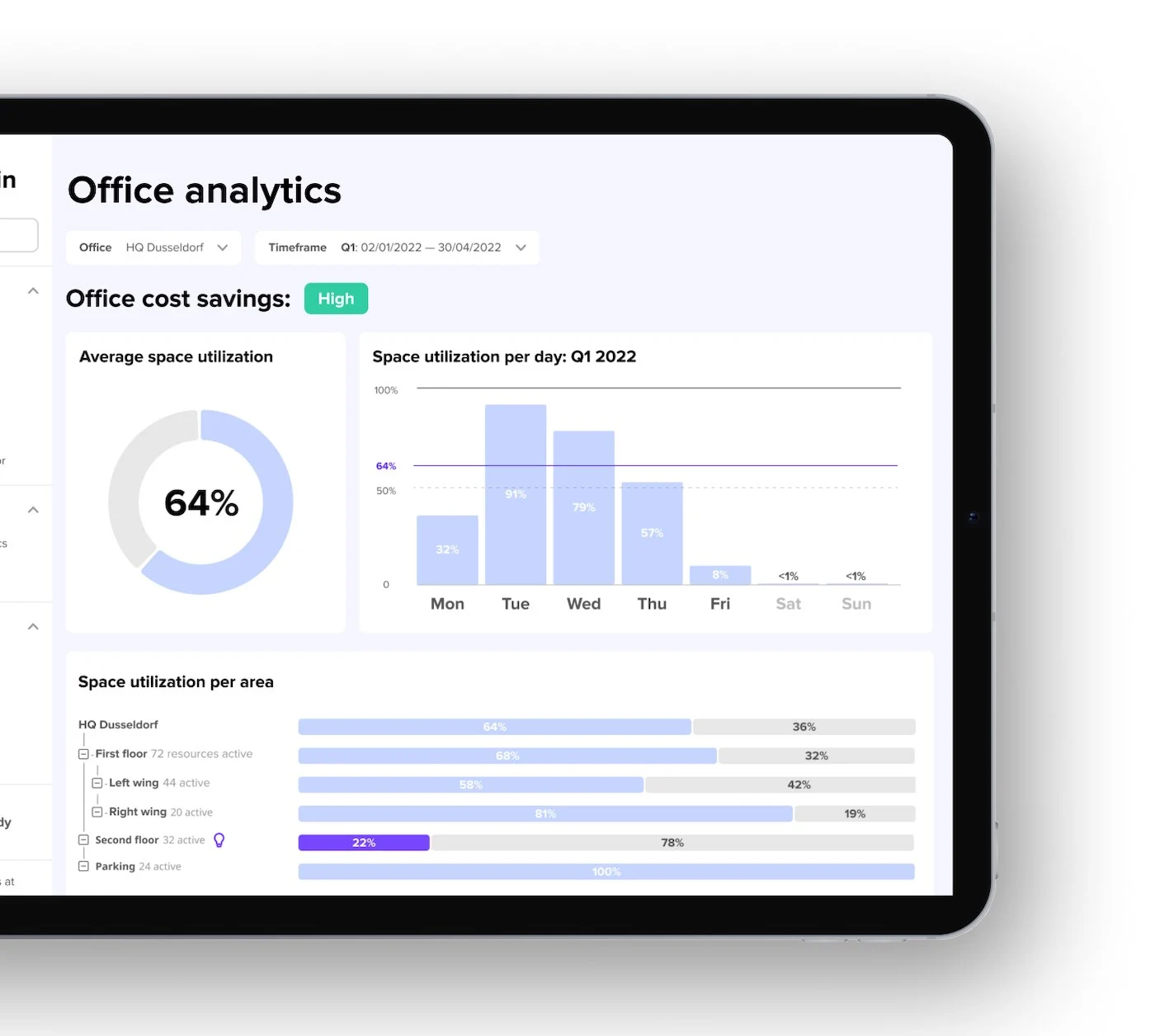
How deskbird supports office space management
deskbird is office space management software built for hybrid work. It combines the features discussed throughout this article into one intuitive platform.
Key capabilities include:
deskbird is ISO 27001 and SOC 2 Type II certified. It offers GDPR-first data hosting in Europe. Organizations often see 90%+ adoption rates without formal training.
Want to see how it works? Watch the features of the deskbird app in under 2 minutes.
Start a free trial to discover how deskbird helps you embrace flexible work. See how it helps you run your office space effectively. You can also book a demo to see it in action with your specific use case.

Frequently Asked Questions
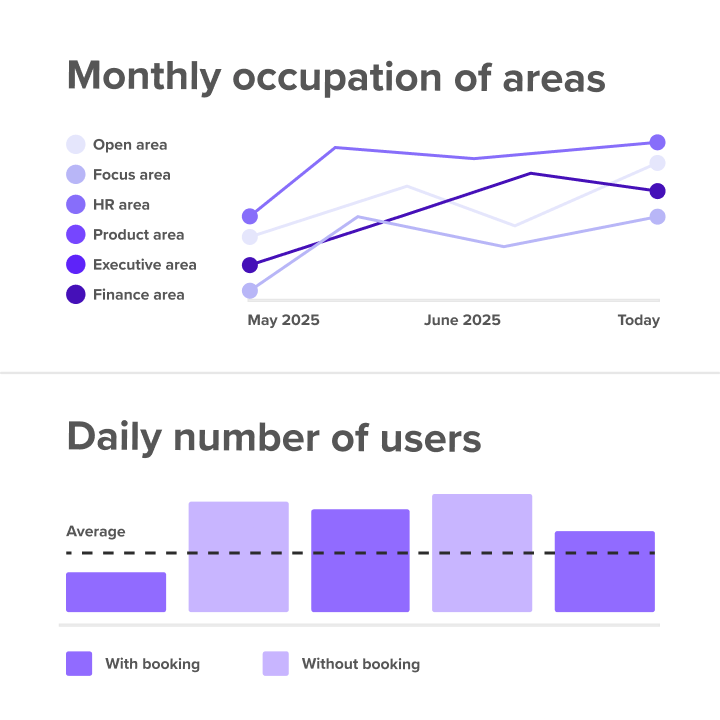
See how deskbird helps you right-size your office
- See real occupancy data, not guesses
- 90%+ adoption rates, no formal training required
- ISO 27001, SOC 2 Type II certified, and GDPR-compliant