


Kiosk Mode with flexible hardware
Create a frictionless room booking experience with deskbird’s Kiosk mode and interactive room displays from our partner vendors iiyama, ProDVX, Neat, or others.

Everything a room panel should be. None of the hassle.
5
min
1
tap
0
Our hardware recommendations
Pick a device from our trusted hardware partners
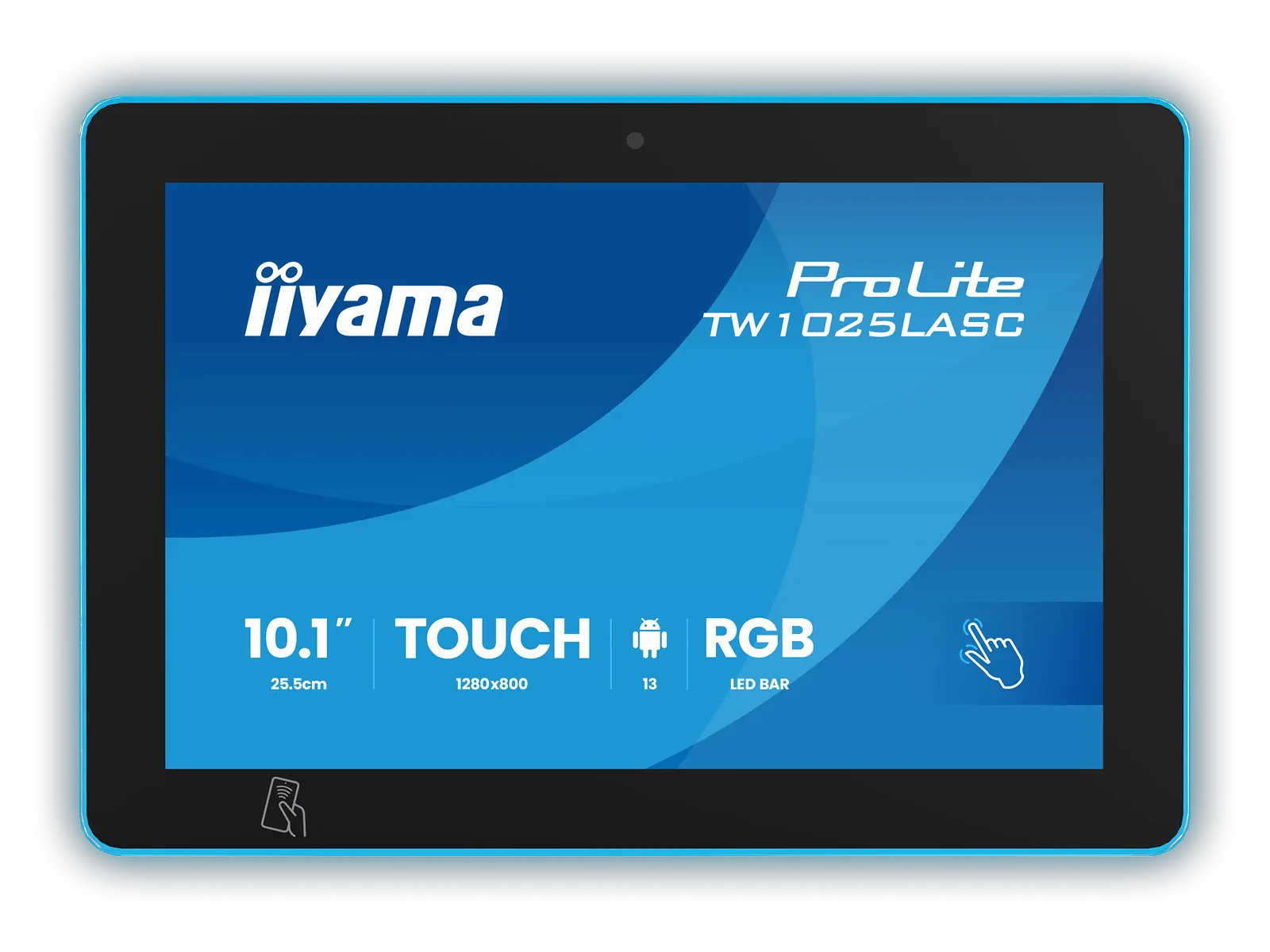
iiyama TW1025LASC
- 10.1" PCAP 10pt touch screen with Android
- Power over Ethernet Technology
- NFC/RFID reader
- RGB LED bar around the screen
- 5 megapixel camera, microphone, speakers
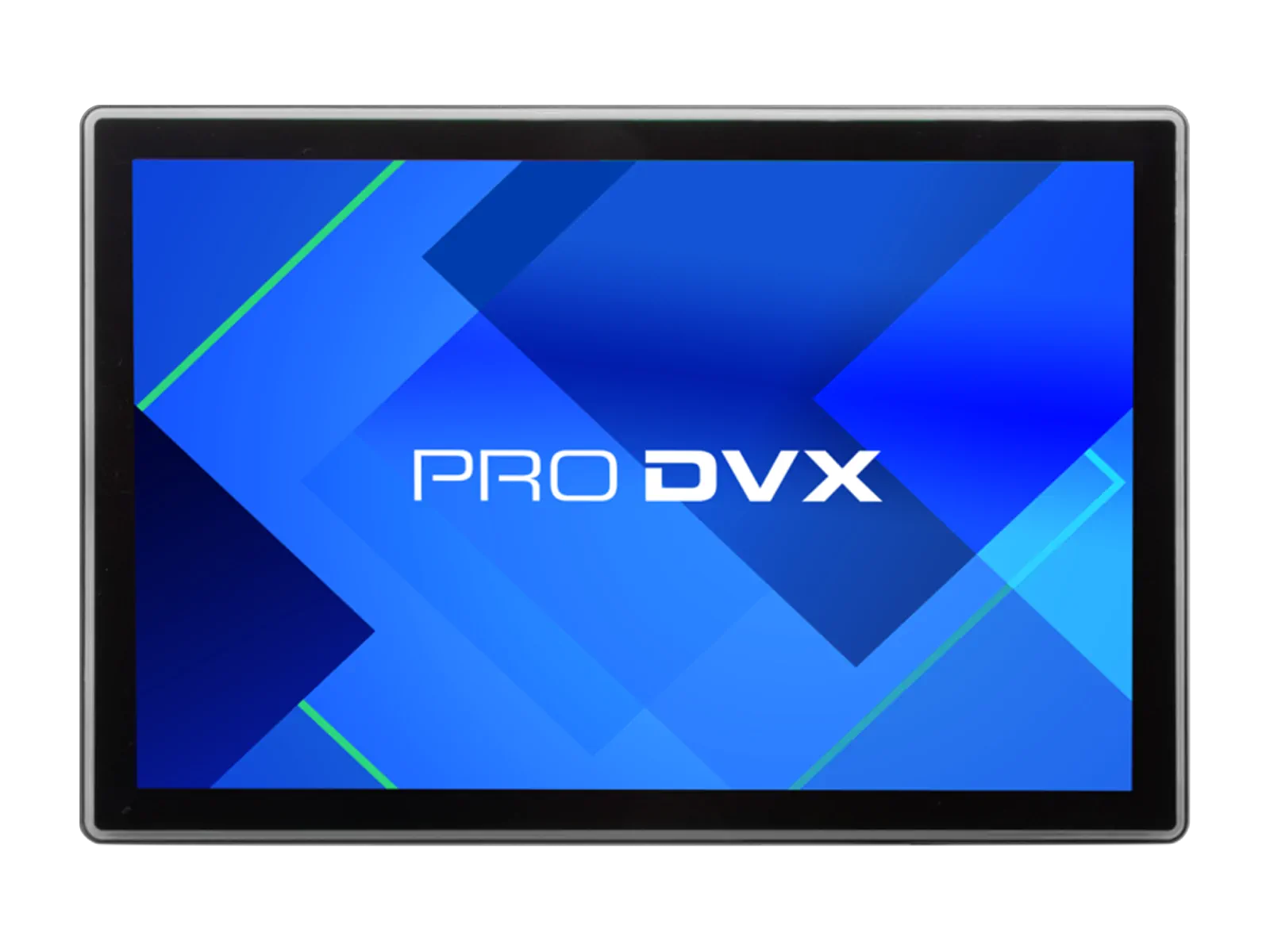
ProDVX APPC-10S
- 10.1" Android 13 Panel PC
- Surround LED Bar
- Power over Ethernet+
- Integrated NFC
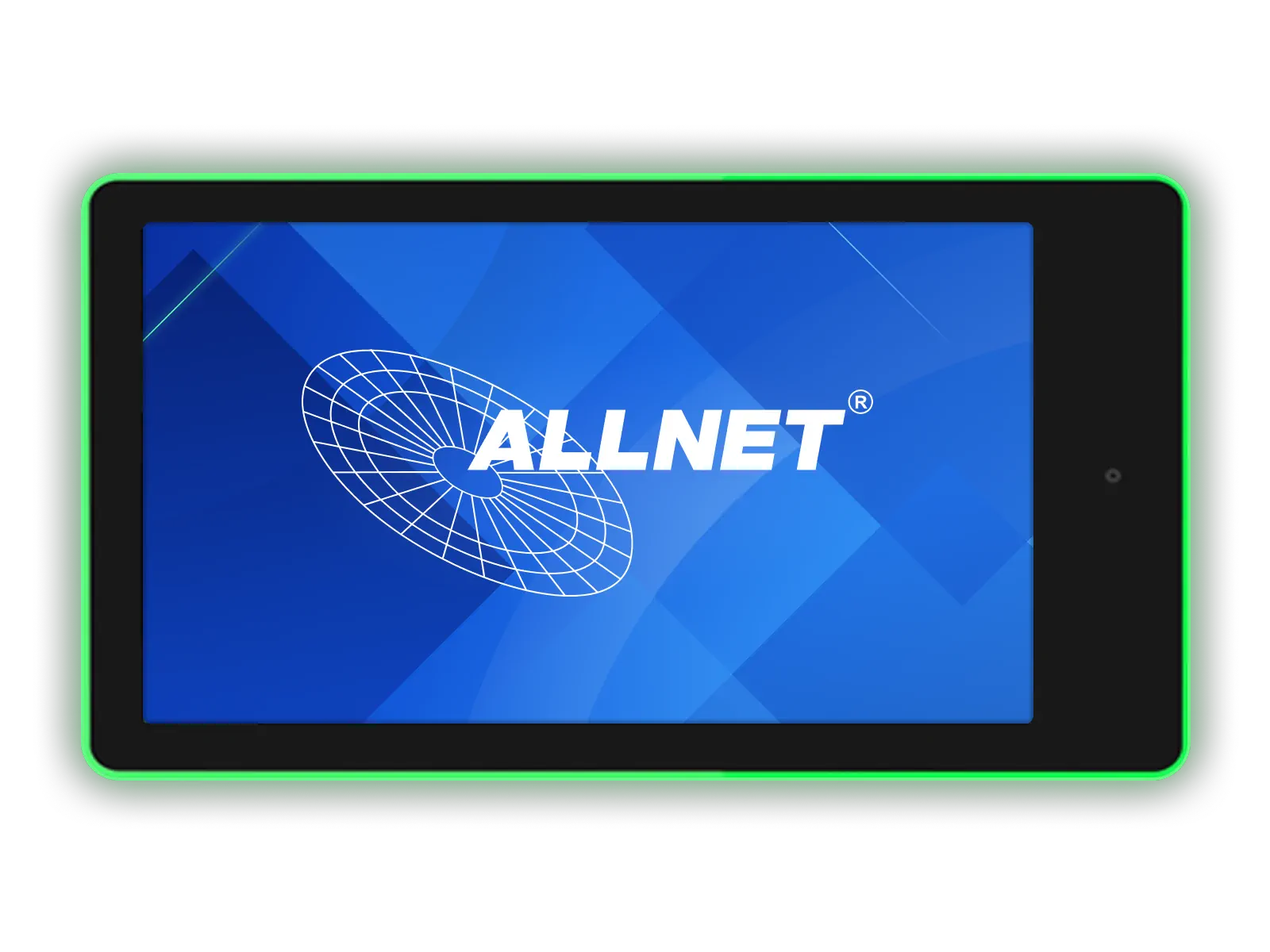
ALLNET RK3288
- 10 inch RGB LED tablet
- WiFi, Bluetooth and PoE
- Android 10
- Integrated wall bracket with theft protection
Or bring your own device
No proprietary panels, no vendor lock-in. Kiosk mode runs on any Android tablet or in a web browser. You choose the hardware.

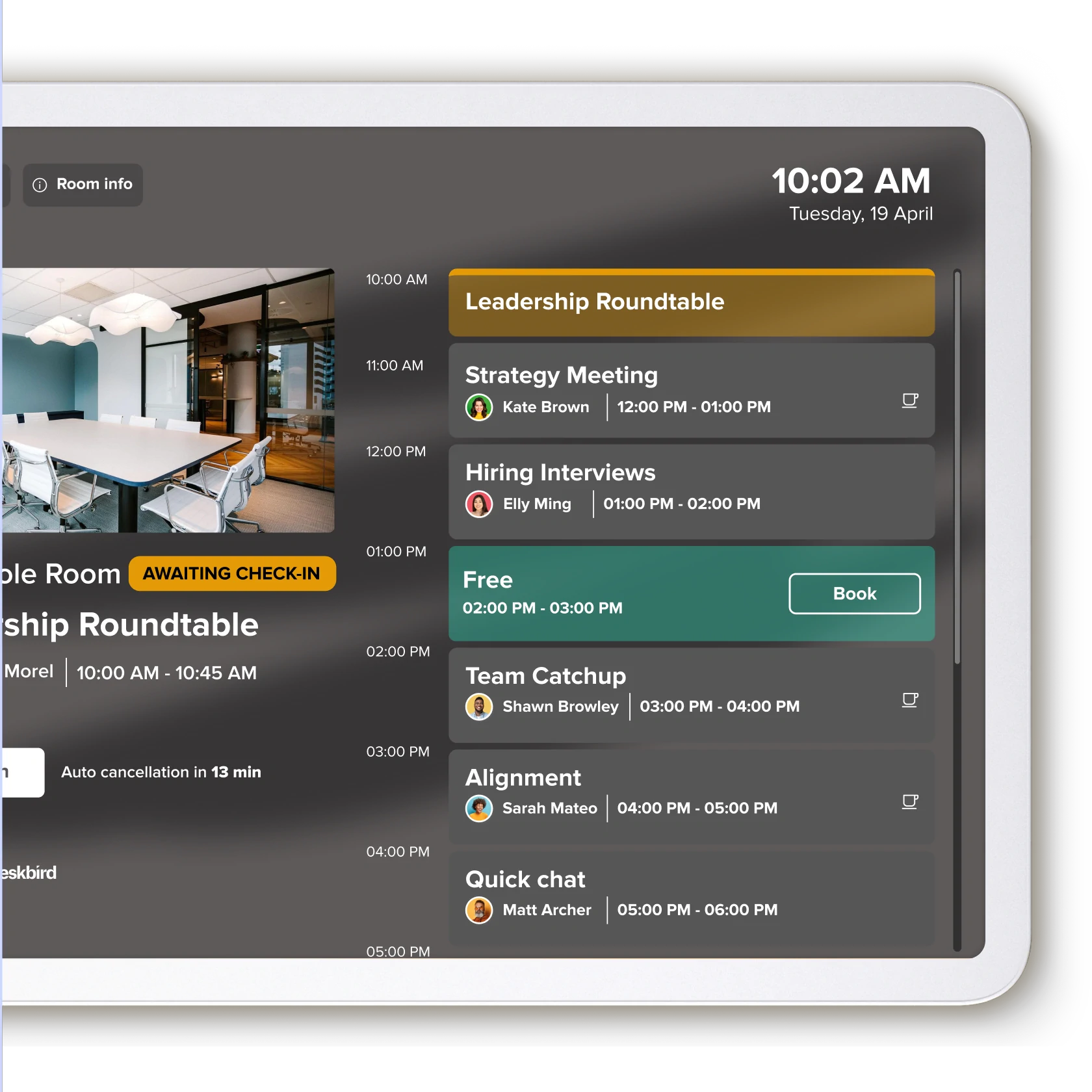
Fewer no-shows. More available rooms.
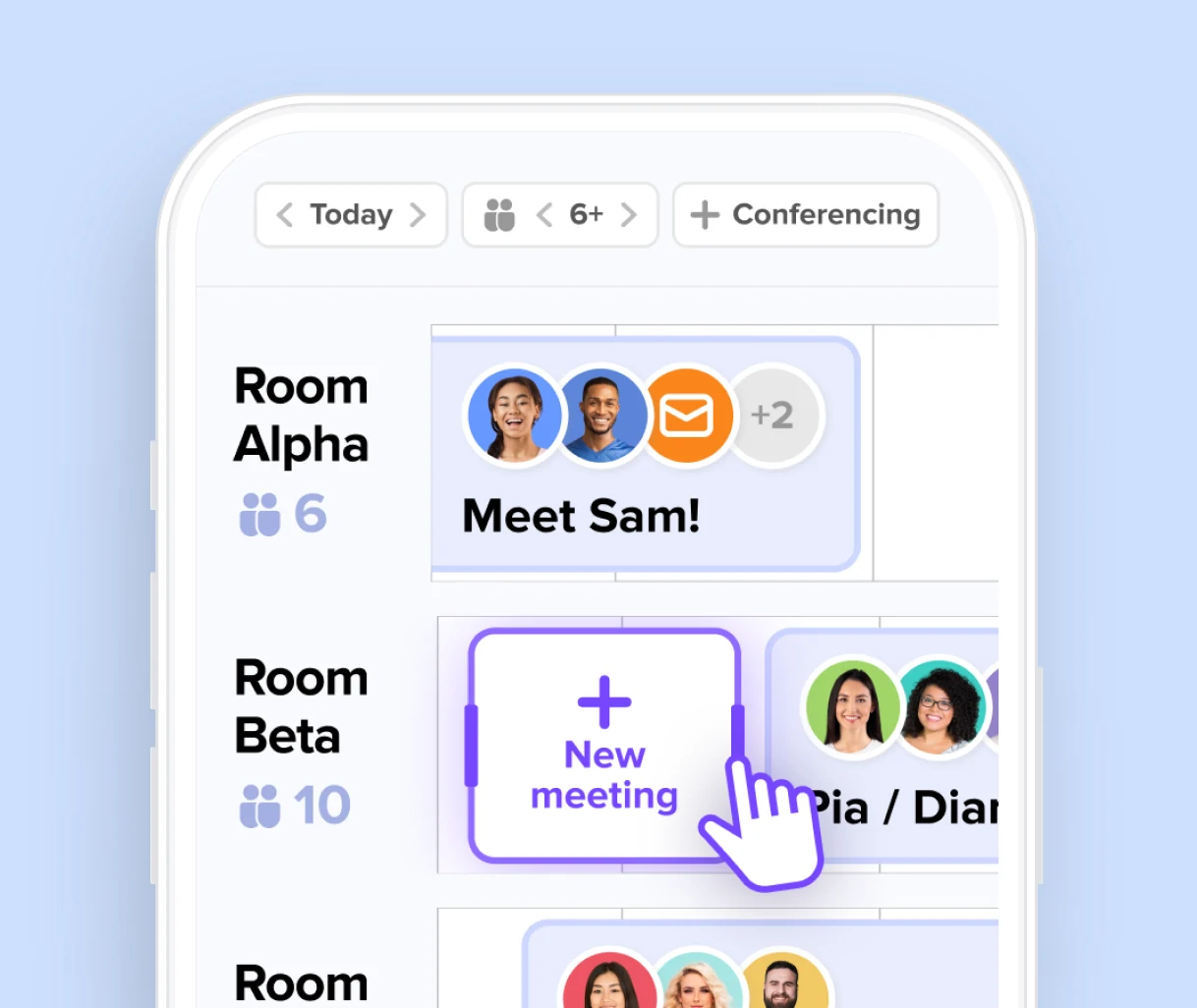
A tablet at every door turns booking, check-in and release into a single tap.
- One-tap check-in that ends no-shows, with rooms that auto-release when nobody arrives
- The full day's agenda at a glance, showing every meeting and free slot
- Book a free room on the spot, straight from the display
- Runs on any tablet, from web to native Android apps, on your choice of hardware
- Secure by design, with PIN-protected exit and customizable cancellation rules
Full workplace experience with deskbird kiosks
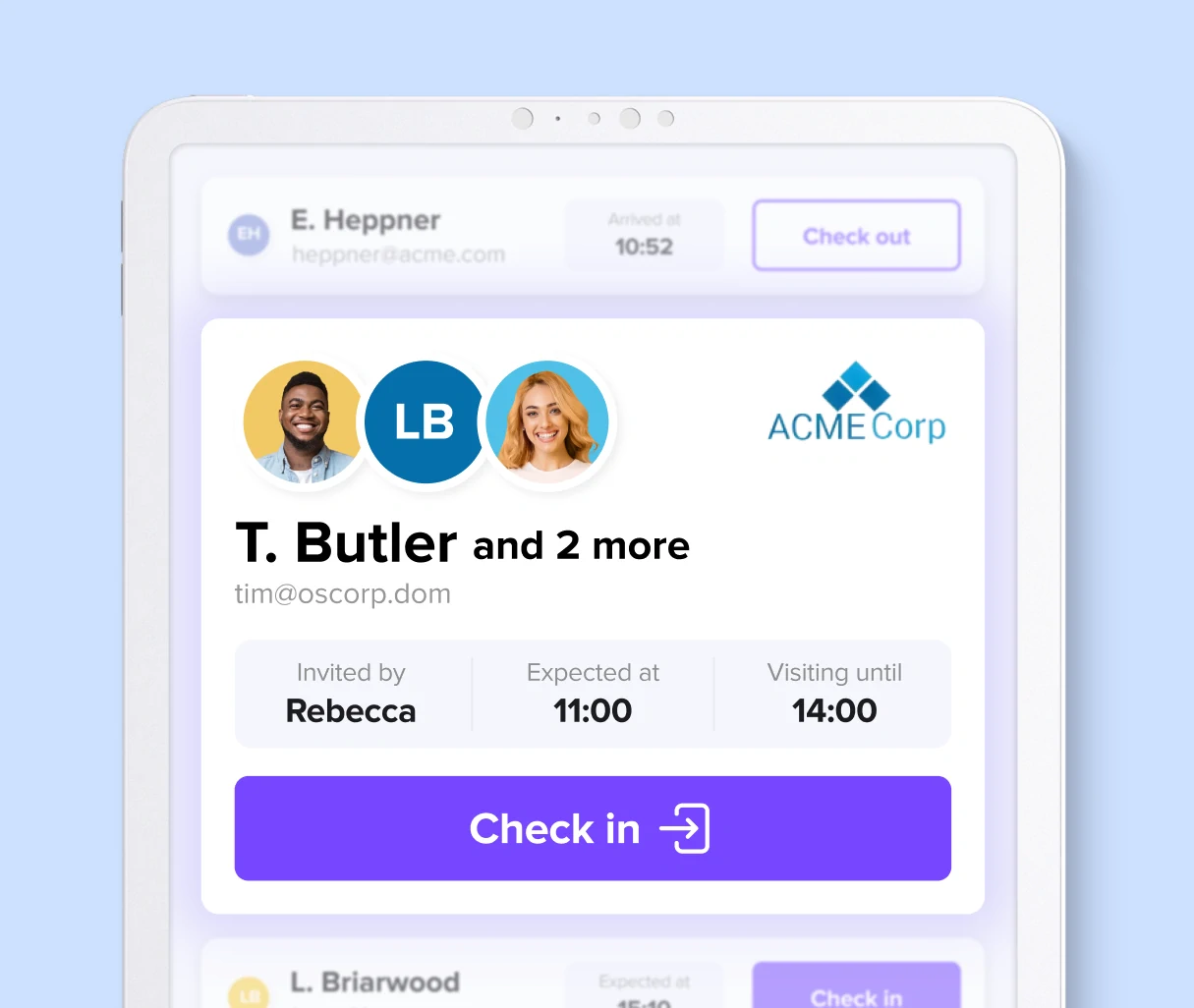
Turn your office tablets into real interaction highlights, from booking a room to welcoming a visitor
250'000 users can't be wrong

From fixed desks to flexible collaboration: how 4flow makes hybrid work a success with deskbird

deskbird creates planning certainty, orientation, and transparency, making the change tangible and manageable for employees.

When internal solutions don't scale no more: Nexters

deskbird is a booking system with great potential, seamlessly integrating into our daily office life.

Raiffeisen-Volksbank eG makes desk sharing a cross-location success
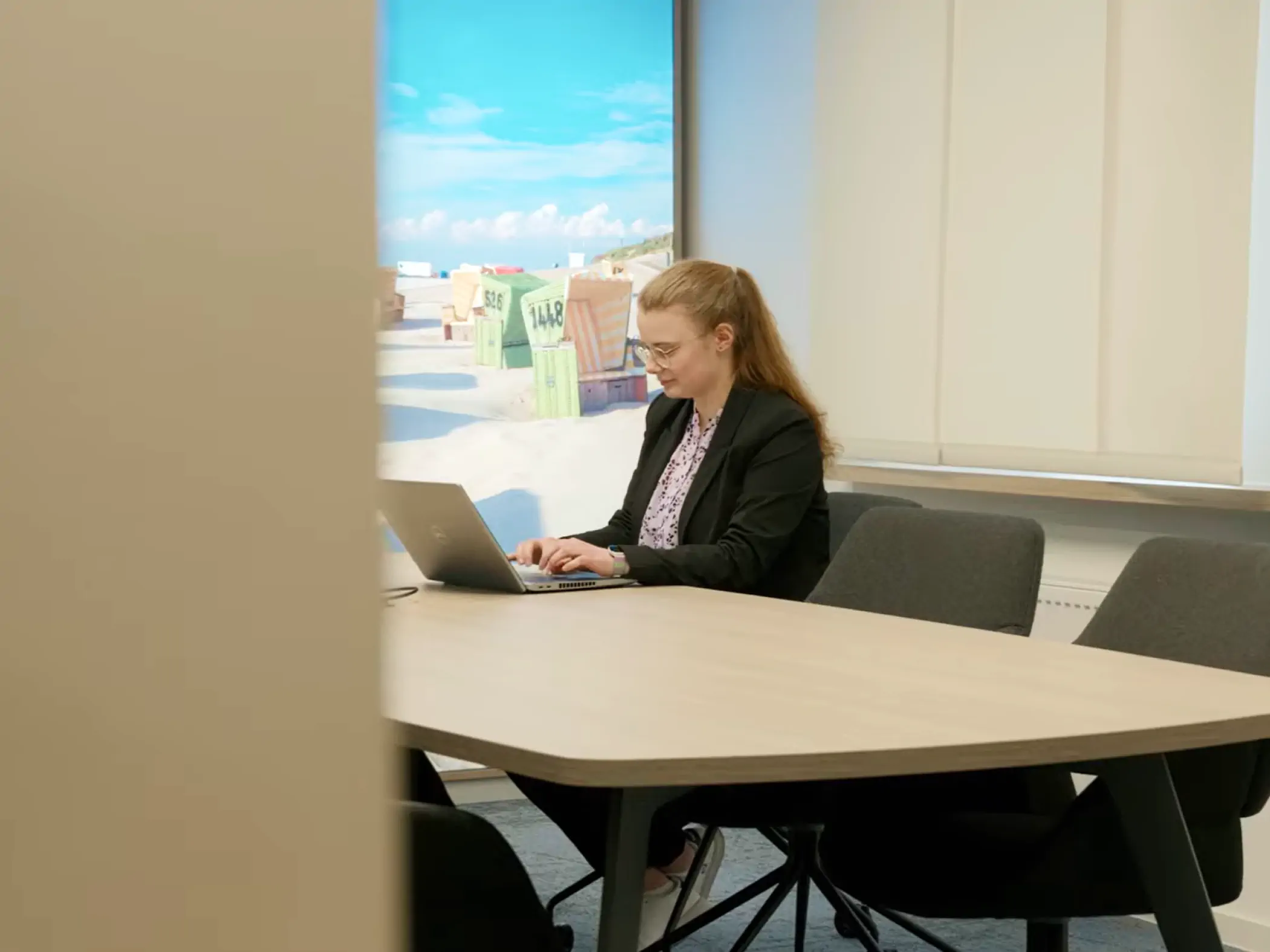
Since we introduced deskbird, we've definitely noticed that the way people collaborate has changed for the better.

More employees, same space: How ILF Austria solves the space challenge with data instead of gut feeling
-1.webp)
deskbird stands out above all for its very intuitive and easy-to-understand user interface.

From fixed to flexible: How VU Amsterdam migrated 120 employees with no extra space needed

deskbird has not only improved collaboration, but has also proven that flexible workspace can thrive
Certified. Audited. Compliant.
deskbird is built to meet the strictest enterprise security standards. ISO 27001 certified, SOC 2 Type 2 audited, and fully GDPR compliant with data processed and hosted exclusively in the EU. SSO, SCIM, and custom anonymization controls included.


FAQs
Learn more about Kiosk Mode.
How does Kiosk Mode enhance meeting room availability?
Kiosk Mode frees rooms if no check-in occurs, allowing others to book them instantly. With real-time status updates and a color-coded schedule at the door, employees can quickly confirm availability and secure a room, reducing booking conflicts and improving room utilization.
How long does it take to set up Kiosk Mode?
Setting up Kiosk Mode is faster and more secure than ever. Simply authenticate through the dedicated app or browser, and your kiosk is ready to go—no manual sign-ins needed.
What privacy options are available?
Kiosk Mode respects your company’s privacy settings. You can hide meeting details or display only organizers’ names. In addition, you can customize settings for individual events to meet your organization’s data privacy policies.
Is it compatible with all tablet brands?
Yes, you can enable Kiosk Mode on any tablet with a functional web browser, allowing for more affordable options as there is no need to invest in expensive hardware. deskbird recommends tablets with a screen size of 10 inches or larger for the best display experience.
How can I enable Kiosk Mode on deskbird?
If you are a customer already, please contact success@deskbird.com to enable this feature.
.svg)