


Meeting room booking software with two-way Outlook and Google Calendar sync
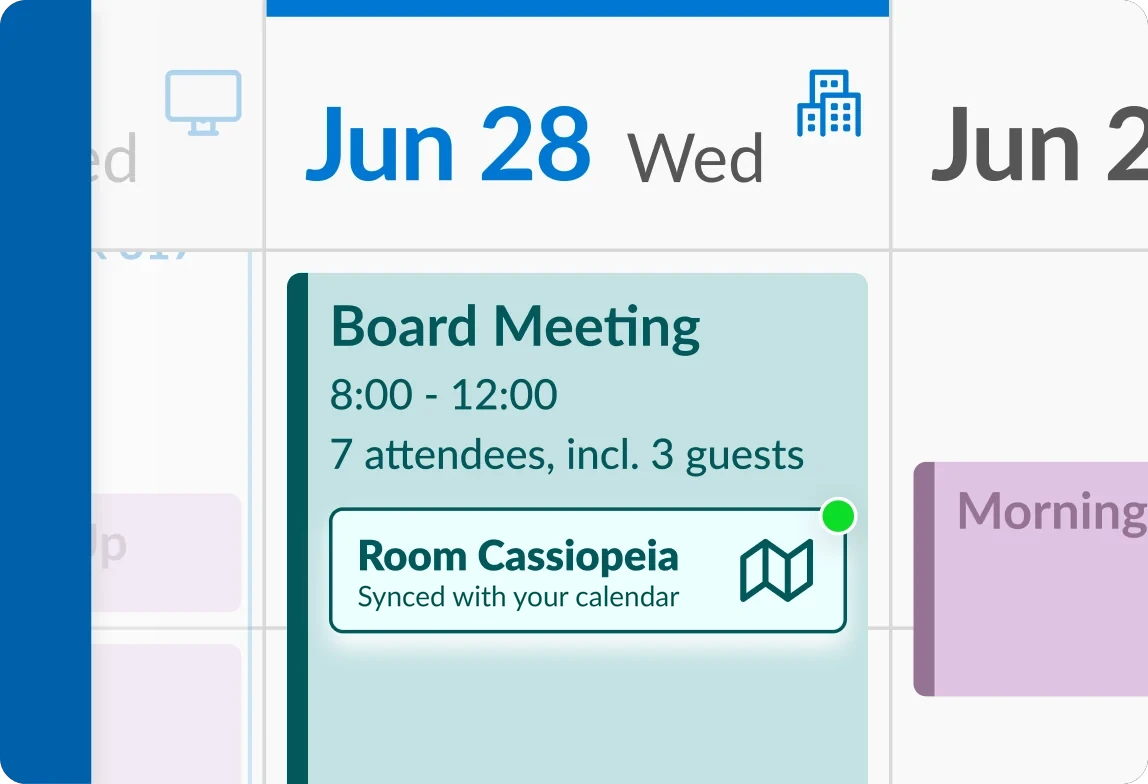
No-show meetings block rooms your team needs. Employees book rooms in the deskbird app, in Outlook or in Google Calendar, and bookings on synced rooms show up in both places. With check-in turned on, rooms nobody uses go back to the pool. Rooms can also live in deskbird alone.
Real numbers from real workplaces
63
%
43
%
2.5
hours
Why the world’s leading workplaces manage rooms with deskbird


End the no-show problem
Ensure high-demand rooms stay available for the teams who actually need them.


Find the right room faster
Room filters, two-way calendar sync and booking from the app, Outlook or the door panel.
Recurring meetings, workshops and restricted rooms
Book a weekly series once or hold a room for a whole workshop. The boardroom can stay reserved for the people who need it.


Admin control without the admin burden
All the controls workplace teams need, without the manual workflows that used to come with them.

Meeting room displays on hardware you choose
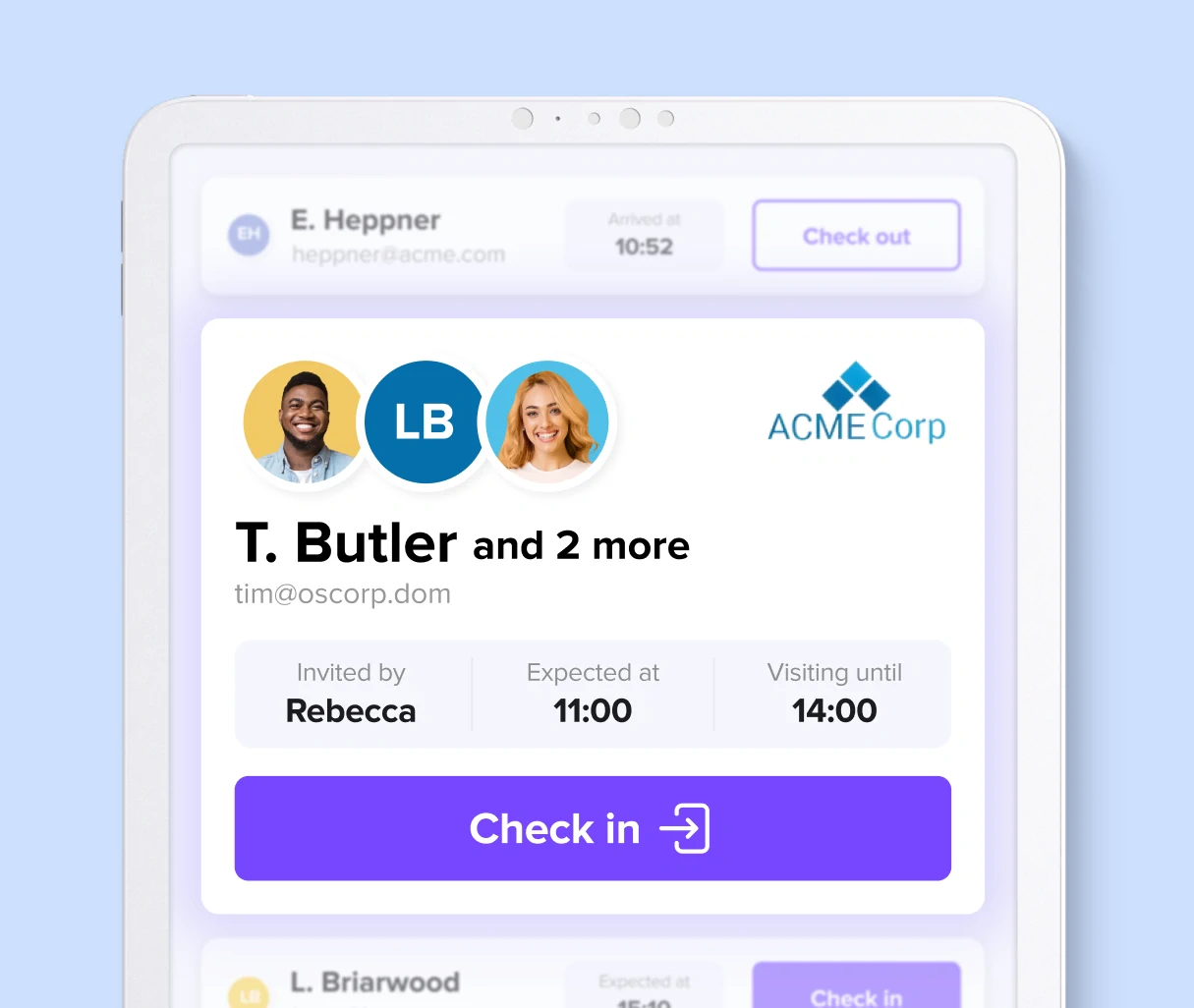
A tablet at the door shows whether the room is free. People book it on the spot or check in to their meeting there. Kiosk Mode runs as an Android or iOS app or in a browser. Every plan includes a kiosk for one room, and Rooms Plus adds more.
Built to live inside the tools your team already uses
Room bookings sync both ways with Outlook and Google Calendar, so meetings appear where employees already manage them. Microsoft Teams Rooms devices show the same bookings for rooms synced with Microsoft 365. For teams without those tools, deskbird runs on its own. For a side-by-side view of other tools, see meeting room booking software compared.


One platform. Everything connected.
Booking a room creates data. deskbird turns that data into space planning, live availability on Digital Signage, and tickets when something breaks.


250,000 users can't be wrong

From fixed desks to flexible collaboration: how 4flow makes hybrid work a success with deskbird

deskbird creates planning certainty, orientation, and transparency, making the change tangible and manageable for employees.

When internal solutions don't scale no more: Nexters

deskbird is a booking system with great potential, seamlessly integrating into our daily office life.

Raiffeisen-Volksbank eG makes desk sharing a cross-location success
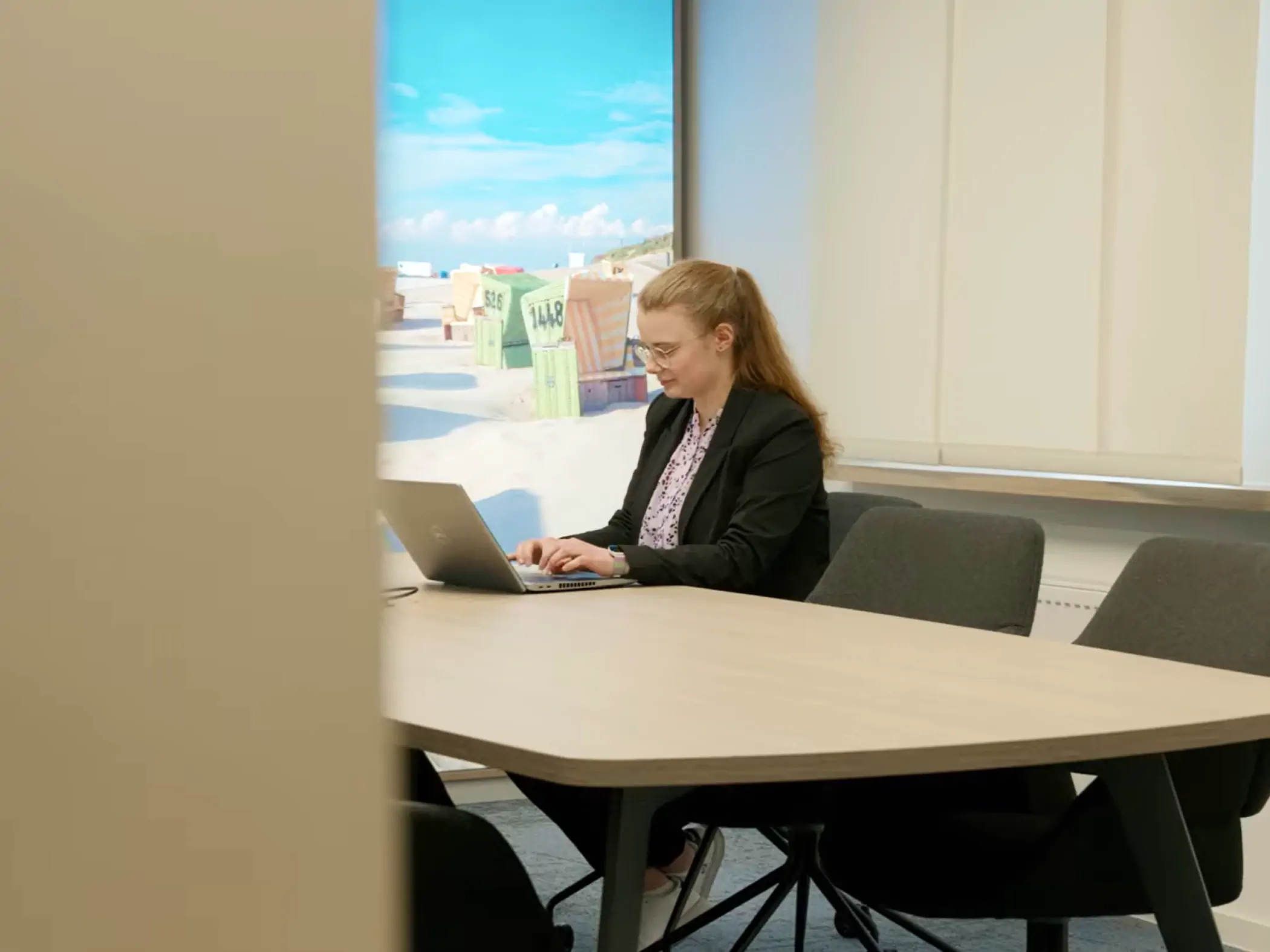
Since we introduced deskbird, we've definitely noticed that the way people collaborate has changed for the better.

More employees, same space: How ILF Austria solves the space challenge with data instead of gut feeling

deskbird stands out above all for its very intuitive and easy-to-understand user interface.

From fixed to flexible: How VU Amsterdam migrated 120 employees with no extra space needed

deskbird has not only improved collaboration, but has also proven that flexible workspace can thrive
Certified. Audited. Compliant.
deskbird is built to meet the strictest enterprise security standards. ISO 27001 certified, SOC 2 Type 2 audited, and fully GDPR compliant with data processed and hosted exclusively in the EU. Microsoft Entra ID and Google Workspace sign-in come with every plan. SAML SSO, SCIM and custom anonymization controls are available as an add-on.



Questions on room booking & deskbird
Does deskbird sync meeting rooms with Outlook and Google Calendar?
Yes, in both directions. A room booked in Outlook or Google Calendar is blocked in deskbird, and a booking made in deskbird appears in the room calendar. Sync usually takes a few seconds to a few minutes, and up to 10 to 15 minutes when Microsoft or Google are under heavy load. It works with Microsoft 365 and Google Workspace room calendars and is included in every plan.
How does deskbird prevent double bookings of meeting rooms?
With calendar sync on, every booking blocks the room in deskbird and in the room calendar, and the calendar provider has the final say on accepting it. Because sync takes seconds to minutes, two people booking the same room at the same moment in different systems can occasionally clash. For bookings over several days, deskbird checks the room for conflicts on every day before confirming.
Does deskbird work in Outlook and Microsoft Teams?
Yes. The deskbird Outlook add-in finds and books meeting rooms from the Outlook calendar on the web, Windows and Mac. It does not support multi-tenant Microsoft setups or shared and delegated calendars. In Microsoft Teams, organizers get the room check-in reminder with a Check in button, and for rooms synced with Microsoft 365, Teams Rooms devices show bookings made in deskbird.
How does deskbird handle meeting room no-shows?
Admins turn on check-in per office. People check in in the deskbird app, by scanning the room's QR code or at the room kiosk. If nobody checks in within the minutes the admin sets after the meeting starts, deskbird cancels the booking and the room is free again. With check-in turned off, no booking is canceled for a missed check-in.
Does deskbird support meeting room displays?
Yes. Kiosk Mode turns a tablet or display at the door into a room panel that shows whether the room is free and lets people book it or check in. It runs as an Android or iOS app or in a browser, with LED status lights on supported devices. Every plan includes a kiosk for one room. For more rooms you need the Rooms Plus add-on.
Can I add external guests to a room booking?
You can invite colleagues to a room booking in the app. To register external guests as visitors, so reception knows who is coming, you need the Visitors Plus add-on. With it, organizers add a visit right in the room booking in the web app or from the deskbird Outlook add-in.
Can meeting room usage be tracked?
Yes. deskbird's Office Analytics shows how meeting rooms, desks and parking are used across locations, with KPIs such as utilization and daily average no-shows. Utilization is booked time divided by the office's opening hours. The data refreshes once a day, which suits space planning.
How much does meeting room booking software cost?
It depends on the pricing unit: some tools charge per room or per space, others per user or per location. deskbird's Business plan costs $3.75 per active user per month billed annually, or $4.75 billed monthly, and includes room, desk and parking booking. Minimum 25 licenses. Smaller teams can buy too. Professional, Enterprise and the Rooms Plus add-on are priced on request.
What is meeting room booking software?
Meeting room booking software, also called room scheduling software or a room booking system, lets employees find a free meeting room and reserve it for a time slot. It usually connects to the company calendar and shows each room's capacity and equipment. deskbird combines room, desk and parking booking in one app, and its meeting room calendars sync both ways with Outlook and Google Calendar.

Be the person who fixed meeting rooms
See how deskbird makes Meeting Rooms work for your team, your admins, and your real estate strategy.