
How to reduce ghost bookings with automatic desk check-ins
TL;DR
Automatic desk check-in confirms whether employees actually use their reserved desks by requiring them to check in within a set time window. When someone skips check-in, the system automatically releases the desk for others to book, closing the gap between what your booking system shows and what actually happens in your office. This turns ghost desk bookings into recovered capacity, gives you utilization data that reflects real attendance instead of booking intent, and restores employee trust in your availability system.
Your workplace management platform shows full occupancy, but when employees arrive, half the desks sit empty because someone reserved them and never showed up. Automatic desk check-in fixes this by requiring employees to confirm they arrived. If they do not, the system releases the desk within minutes. Your floor plan reflects who is actually in the office, not just who planned to be there.
Why ghost bookings hurt hybrid offices
Automatic desk check-in reduces ghost bookings by requiring employees to confirm they arrived. If someone does not check in within a set time window, the system cancels their reservation and releases the desk. This approach closes the gap between planned bookings and actual office attendance by canceling unclaimed reservations automatically.
Ghost bookings create problems that ripple across your entire organization. Some workplace teams estimate they waste typically wasting 15-20% of capacity when no-shows do not release desks automatically. Use your own check-in data to confirm your baseline. Your floor plan shows full occupancy while half the desks sit empty. Employees arrive expecting a spot, find it "booked" but vacant, and waste time searching for alternatives. Meanwhile, your workplace analytics overstate demand because they measure reservations rather than real presence.
For larger organizations spread across large office portfolios, this problem compounds quickly. Facility managers cannot manually verify attendance across 40,000 square meters of space. You need an automated way to reconcile what people planned to do with what they actually did.
What are ghost bookings and desk no-shows?
A ghost booking is a desk reservation that stays empty because the employee never showed up and never canceled. The person who created this unused reservation is called a no-show. This differs from ghost meetings, where a room stays booked even though nobody shows up.
Ghost bookings happen for predictable reasons. Schedules change at the last minute, and employees forget they made a reservation. Some people book desks "just in case" they decide to come in, while others find it easier to ignore a booking than to cancel it.
The root cause is usually system design rather than employee behavior. People take the path of least resistance during a busy workday, and your workplace management platform needs to account for this reality.
How ghost bookings affect your workplace data
The real damage from ghost bookings shows up in your analytics. When your booking system reports one thing and your office looks completely different, you lose the ability to make informed decisions about space.
[Table1]
Workplace leaders need accurate data to right-size real estate and reduce unused capacity. Structured monitoring can reveal 20-40% of office inventory as underutilized. Ghost bookings make that impossible. You end up measuring intent rather than reality.
How automatic check-in works
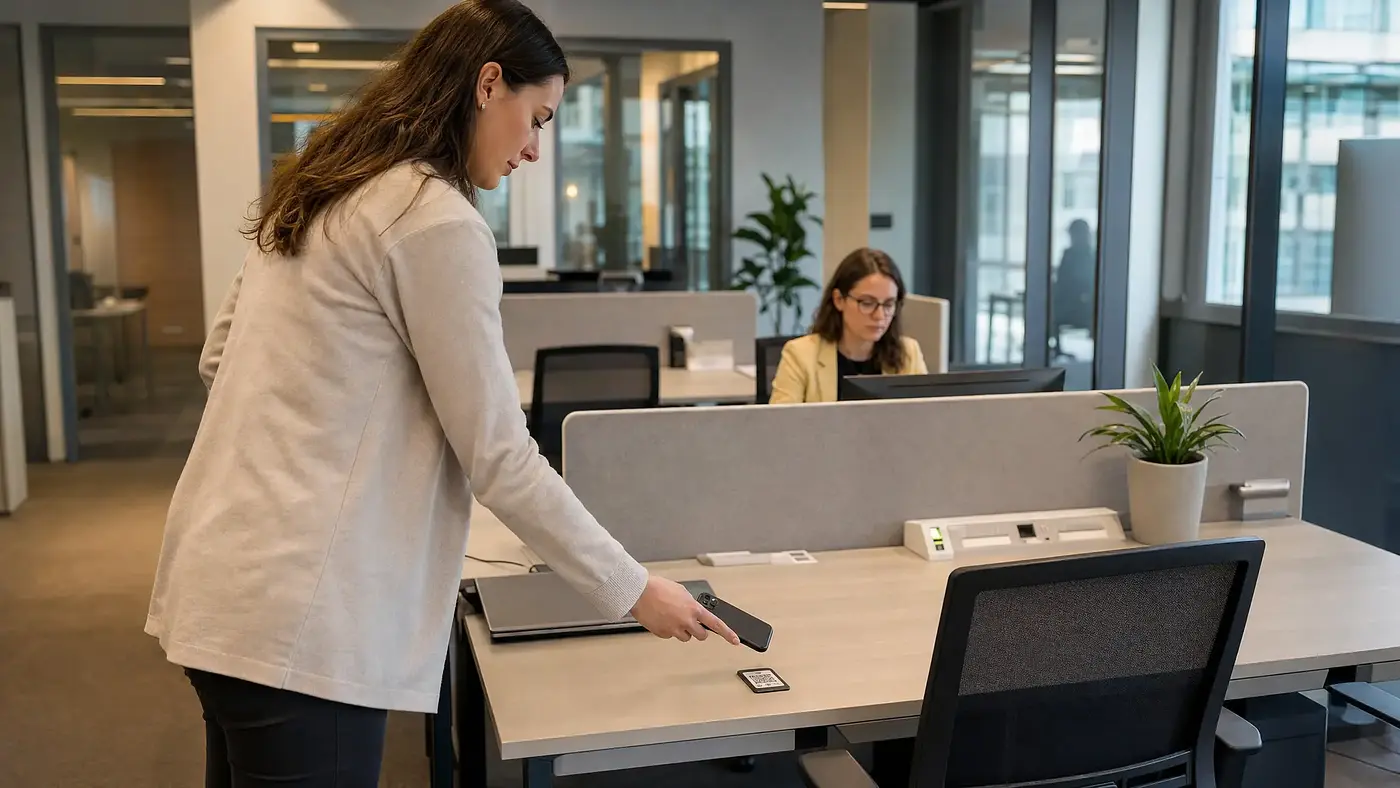
Automatic check-in requires employees to confirm they arrived at their reserved desk. This confirmation can happen through a mobile app tap, a badge swipe, a QR code scan, or optional entry-based geofencing when someone enters the building. Most systems allow a grace period of 15 to 30 minutes after the booking starts.
A booking says "I plan to be here", while a check-in says "I am here". This distinction makes your utilization data trustworthy.
When the grace period ends without confirmation, the system cancels the booking and returns the desk to the available pool. Your workplace team does not need to do any manual checks. If the system releases a desk at 9:15 a.m., a colleague can rebook it at 9:16 a.m.
Desks that would have sat empty all day become usable again and your floor plan reflects actual availability instead of outdated reservations.
Why integrations matter for check-in adoption
Employees forget to check in when the process requires extra steps. Integrations with MS Teams, Slack, Outlook, and Google Calendar solve this by putting reminders and check-in options where people already work. If you use Microsoft Teams, these reminders show up in the same place employees message colleagues every day.
A chat message can prompt employees to confirm or cancel right before their booking starts. One click directly from the notification completes the check-in, no separate app required. If someone cancels a meeting that was the reason for their office visit, they can cancel the desk booking in the same workflow.
For IT teams, these integrations need to work without ongoing maintenance. Native connections with single sign-on (SSO) and System for Cross-domain Identity Management (SCIM) autoprovisioning mean you do not have to manage separate credentials or manually sync user data. The system stays current as people join, leave, or change roles.
How to measure your no-show rate
Clear metrics help you understand whether your check-in rules are working. The most important utilization metric is the gap between booked and actual utilization based on check-in data. A large gap means ghost bookings are inflating your numbers; a small gap means your data is trustworthy enough to guide real estate decisions.
Your no-show rate = bookings without check-in / total bookings. A lower rate indicates healthier booking behavior. Your check-in rate is the inverse: confirmed bookings divided by total bookings. A high check-in rate means employees use the system as intended.
Recovered capacity measures how many auto-released desks get rebooked by someone else. This shows the tangible value of automatic check-in, turning wasted space into actively used space.
Track these numbers over time to see trends and identify problem areas.
Step-by-step guide to setting up check-in rules
1. Require a check-in
Enable mandatory check-in within your workplace management platform. This is the foundation for accurate data, and auto-release cannot function without a required confirmation step.
2. Configure auto-release timing
Set the release window to trigger 15 or 30 minutes after the booking starts. Shorter windows recover capacity faster but may frustrate employees running late. Start with a moderate window and adjust based on feedback.
3. Send reminders at the right moments
Set up notifications to trigger 30 minutes before the booking starts. Send a final warning when the check-in window is about to close. Multiple touchpoints reduce forgotten bookings.
4. Limit advance booking windows
Shorter booking windows reduce speculative reservations. When you limit advance bookings to 2 weeks instead of 2 months, employees book closer to when they actually know their schedule. This naturally lowers your no-show rate.
5. Make cancellation effortless
Employees will cancel if canceling is easier than ignoring the reminder. One-tap cancellation from calendar or chat apps removes friction. You want compliance to be the path of least resistance.
6. Use fair-use guidelines instead of penalties
Avoid punitive approaches like booking bans for repeat no-shows. Communicate expectations clearly and explain why accurate availability matters for everyone. Penalties create resentment and encourage workarounds.
From ghost bookings to trustworthy availability
A successful hybrid office needs a booking system that employees actually trust. When desks that look available are truly available, your team spends less time searching and more time collaborating.
Automatic check-in and auto-release give you the accurate data you need to make defensible real estate decisions. You eliminate wasted space while improving the daily employee experience.
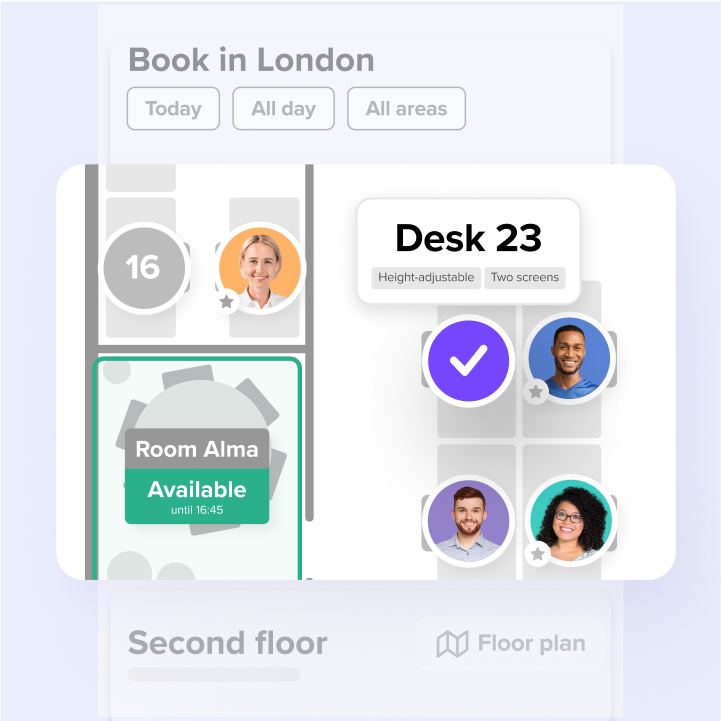
deskbird provides automatic check-in with auto-release in a workplace management platform built for enterprise needs, and designed for 90%+ adoption, with employees booking and checking in from tools they already use. That adoption is what makes your utilization data reliable enough to guide real estate decisions. Employees book and check in through MS Teams, Slack, Outlook, or Google Calendar. IT teams benefit from zero-maintenance integrations with SSO and SCIM. Workplace leaders get analytics that show the real gap between bookings and attendance.
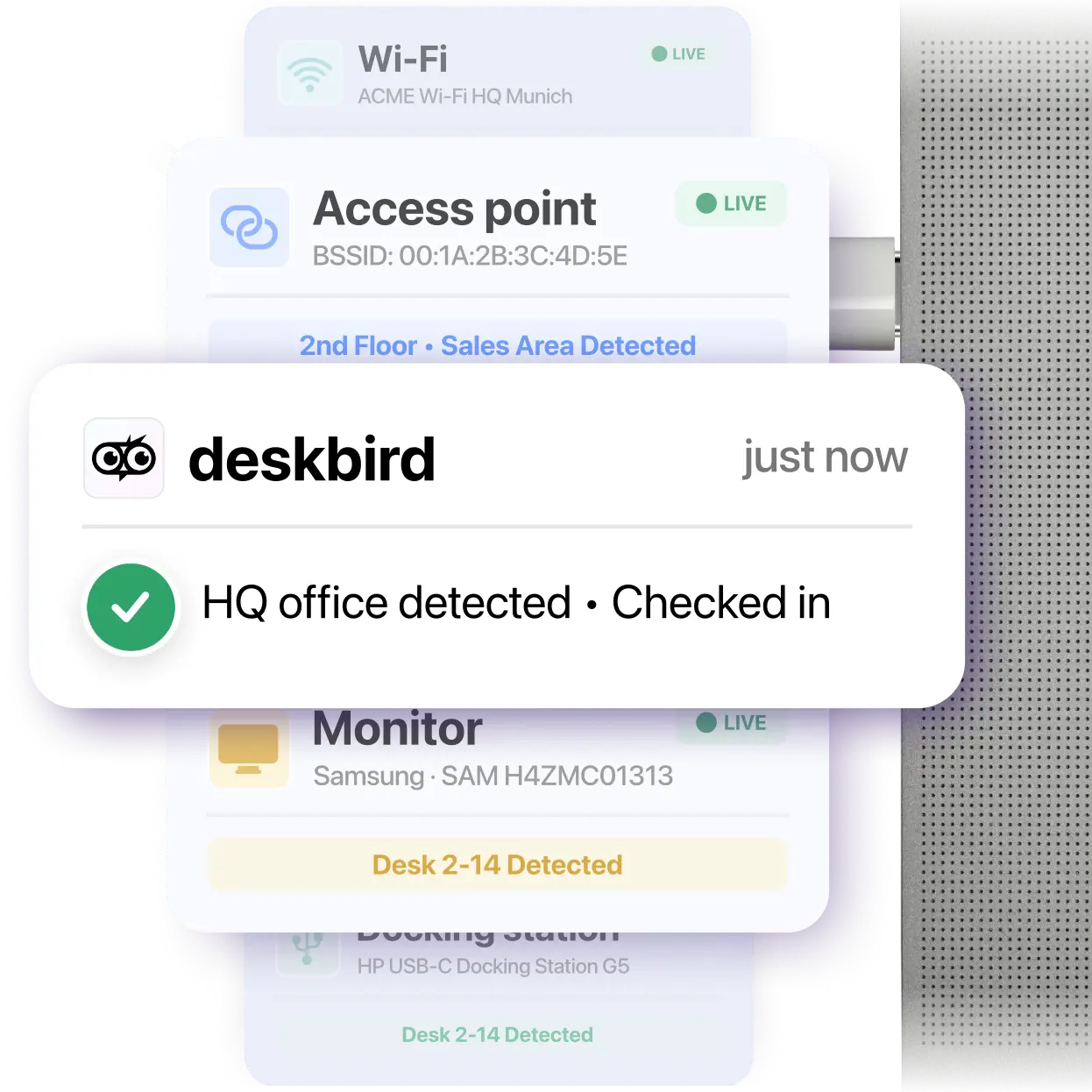
For hardware-free solutions, deskbird Dock runs as a lightweight desktop client in the background that anonymously detects active connections to monitors, dockings, and Wi-Fi networks in your office. It's then able to turn these connections into real-time, high-fidelity desk and floor occupancy metrics.

Frequently Asked Questions
What grace period works best for desk check-in?
How do you prevent check-in rules from feeling like surveillance?
Can automatic check-in work with badge access systems?
Does automatic desk check-in create privacy concerns under GDPR?
See how auto check-in turns ghost bookings into real capacity
- Auto-release recovers desks in minutes, not hours
- Utilization data reflects real attendance, not booking intent
- 90%+ adoption rate means your space data is actually reliable