

Workplace software security: A guide for IT managers
Most IT managers evaluating workplace management software security run into 3 problems. Vendor certifications cover the wrong infrastructure. Integrations break user attribution in audit logs. Low adoption creates shadow workflows that compliance teams never see. You also need to test how identity provisioning, access controls, and audit trails behave in real deployments across desk booking, visitor management, and occupancy tracking.
TL;DR
Workplace management software security requires verifying certification scope, testing identity integrations in a sandbox, and confirming high adoption rates. This reduces shadow workflows that break your audit trails.
- Validate that ISO 27001 and Service Organization Control 2 (SOC 2) Type 2 reports cover the specific product you are buying, not just the vendor's general infrastructure
- Test System for Cross-domain Identity Management (SCIM) provisioning and deprovisioning in a sandbox tenant before committing to any platform
- Treat adoption rate as a security metric because tools employees bypass create undocumented workflows outside your audit trail
What is workplace management software security?
Workplace management software security is the set of controls that protect data flowing through platforms used to manage hybrid offices. This includes desk and room booking, visitor logs, occupancy data, and employee schedules.
This data matters because it contains personally identifiable information and detailed location patterns. The system knows when specific employees are in the building. It can reveal sensitive patterns, like who shares spaces and when. Protecting this information requires strict tenant isolation, comprehensive audit logs, and clear access controls.
You must distinguish between platform security and organizational security. Platform security covers the vendor controls protecting cloud infrastructure. Organizational security depends on how you configure access models and permissions within your specific tenant. Both must work together.
Why workplace software security reviews fail
Security reviews for workplace platforms often fail because demos and marketing materials do not show operational limitations. A tool might look great in a demo but create significant maintenance burdens once deployed.
Scope mismatch is the most common problem. Vendors provide SOC 2 reports that exclude the specific product or infrastructure you are actually buying. You must read the full report and confirm the audit covers your deployment.
Shallow integrations create another gap. Connectors sync basic data but break audit trails, losing user attribution in the process. When you cannot trace an action back to a specific user, your compliance posture weakens.
Tool sprawl compounds these issues. Organizations deploy multiple point solutions with separate logins and no centralized access control. Each additional tool expands your attack surface and multiplies admin burden.
Adoption collapse is the hidden risk. Tools pass the security review but fail in practice. When employees stop using the official system, they create shadow workflows outside your audit trail.
Security baseline for workplace management platforms
Every evaluation must start with a strict security baseline. You need concrete proof of compliance rather than marketing promises.
ISO 27001 and SOC 2 Type II evidence
Some sources report that 70% of enterprise buyers require SOC 2. Request the full SOC 2 Type 2 report instead of accepting a summary page or website badge. The report details specific control objectives and proves the vendor follows their own security policies. Confirm the audit scope covers the exact product and infrastructure you plan to use.
Pay attention to the audit period and any noted exceptions. A Type I report only proves a design exists at a single point in time. Type II proves operational effectiveness over months. If the audit period ended more than 6 months ago, request a bridge letter that covers the gap since the audit end date.
GDPR, data residency, and sub-processors
Organizations operating in Europe require strict adherence to data privacy laws. Confirm the exact data hosting location, such as an EU-only data center in Frankfurt. This keeps employee data under European jurisdiction, provided your sub-processor list and contract terms support it.
Request the complete sub-processor list and review it for unexpected third parties. Vendors often use external services for analytics or email delivery that process your data outside the EU. Verify the availability of a Data Processing Agreement and Standard Contractual Clauses (SCCs).
Encryption and key management
Data protection requires strong encryption standards both at rest and in transit. The platform should use TLS 1.2 or higher for all network communications. Data at rest must use AES-256 encryption across all databases and storage volumes.
Review the vendor key management practices and rotation policies. Strong platforms automate key rotation and store keys in dedicated hardware security modules (HSMs).
Audit logs and retention controls
Comprehensive audit trails are non-negotiable for compliance audits and incident investigations. The platform must log all user activity: logins, desk bookings, and visitor check-ins. It must also track admin actions like configuration changes and role assignments.
Verify the retention periods for these logs. You need to know how long the vendor stores the data and how easily you can export it. The best platforms offer an export API or direct security information and event management (SIEM) integration for centralized monitoring.
Integration architecture that keeps audit trails intact
Integrations represent a significant security concern because they expand your attack surface. A secure workplace platform must connect to your existing infrastructure without breaking audit trails.
Microsoft 365 and Google Workspace integrations
Native integrations with Microsoft 365 (M365) and Google Workspace preserve user context and audit trails. These deep connections allow employees to book spaces directly from their existing calendars. Shallow connectors sync event data but often lose user attribution.
Verify the OAuth scopes and permissions the application requests. The platform should use delegated permissions rather than broad application permissions whenever possible. This enforces the principle of least privilege across your directory.
Ticketing integrations with ServiceNow
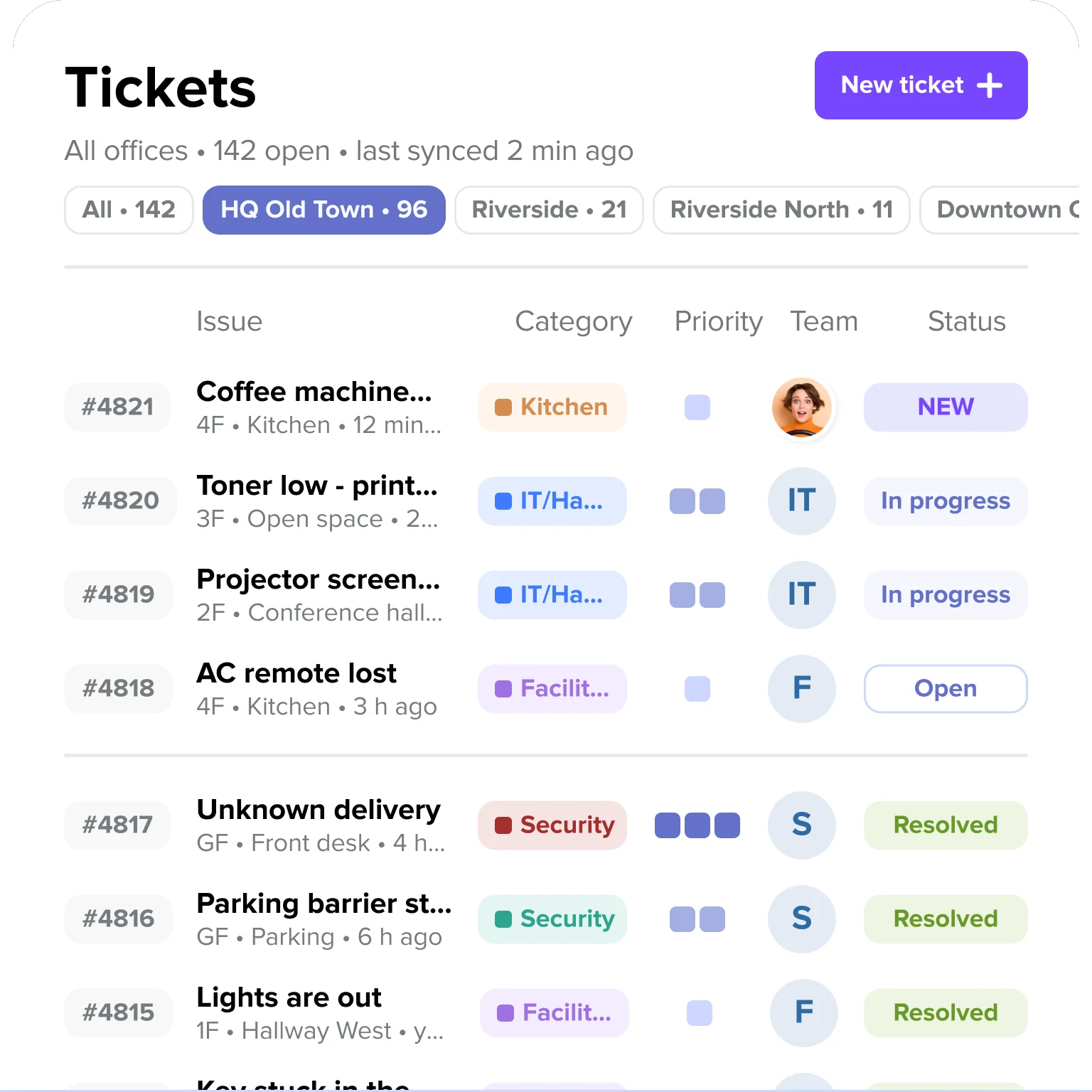
Workplace ticketing tools should feed directly into your existing IT service management workflows. A secure platform acts as a simple frontend while ServiceNow handles backend resolution. This prevents duplicate processes and maintains ticket attribution.
Verify that the integration supports bidirectional sync and real-time status updates. When a facilities team closes a ticket in ServiceNow, the workplace app should reflect that change immediately.
API documentation and breaking-change policy
Public API documentation reveals the technical maturity of a workplace platform. A well-documented Representational State Transfer (REST) API with clear versioning policies signals long-term reliability. Webhook support is equally important for streaming real-time events to your internal systems.
Review the vendor deprecation policy and breaking-change notification timelines. IT teams need sufficient warning before an API change breaks a critical integration.
Identity and access management requirements
Identity and access management is a core security requirement for any enterprise tool. You must demand zero-maintenance provisioning to prevent access drift.
SSO with SAML or OIDC
Native single sign-on (SSO) support is mandatory for centralizing access control. The platform must support industry standards like Security Assertion Markup Language (SAML) 2.0 and OpenID Connect (OIDC). Avoid vendors that restrict SSO to their most expensive enterprise tiers.
Verify that the platform supports strict SSO enforcement. Users must not have the ability to bypass the identity provider with a local username and password.
SCIM provisioning and deprovisioning
SCIM integration matters for security because it automates the entire identity lifecycle. The platform should support automatic user provisioning from Microsoft Entra ID (formerly Azure AD) or Okta. This eliminates manual account setup and offboarding, which consumes 5-8 hours per employee in many organizations.
Immediate deprovisioning is the most critical security feature of SCIM. When an employee leaves the organization, the directory sync should revoke workplace access within minutes, based on your identity provider sync interval. Without SCIM, orphaned accounts remain active and create significant security vulnerabilities.
Role-based access control
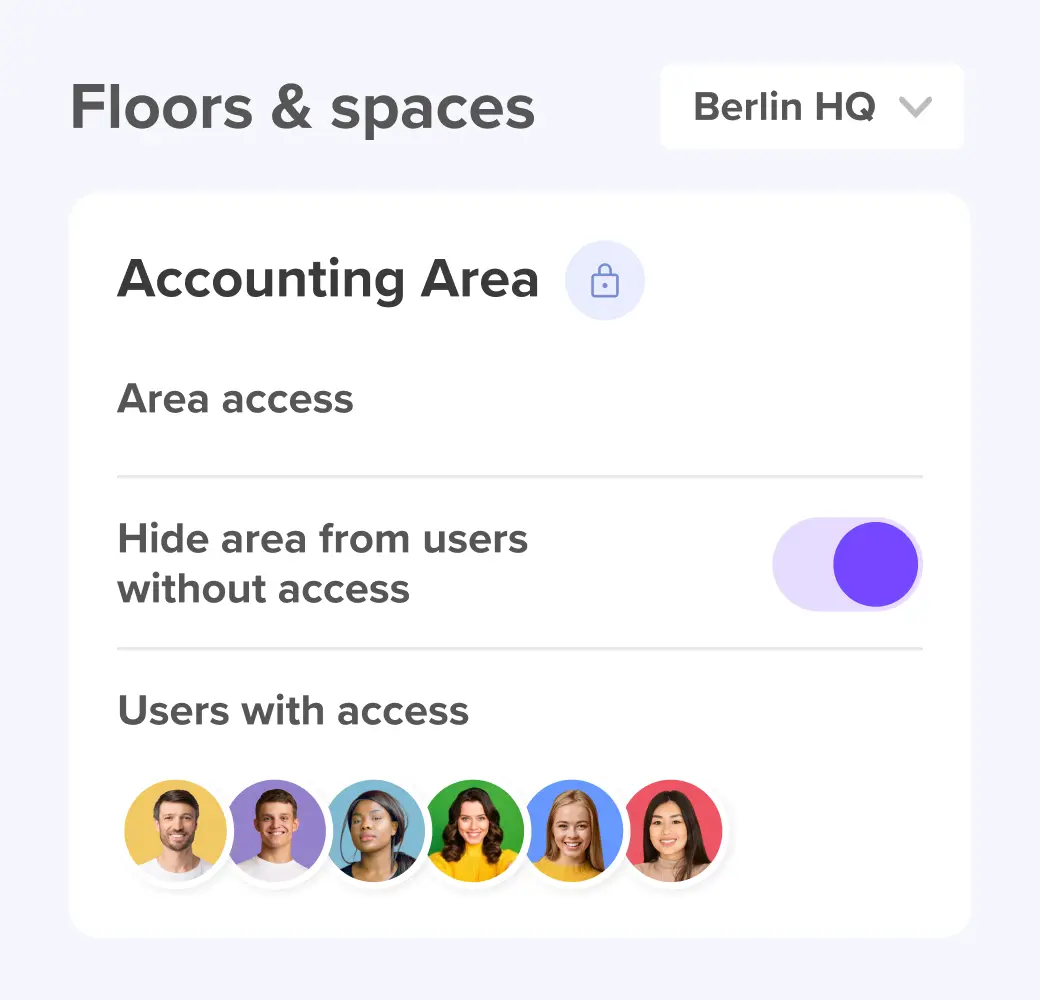
A secure platform requires granular role-based access control. You need distinct role definitions for administrators, location managers, standard users, and read-only auditors. This ensures employees only access the features necessary for their jobs.
The system must support location-based and team-based access restrictions. A local office manager in London should not have administrative rights over the New York office. The platform must also maintain a strict audit trail for all role assignments.
Adoption and reliability risks that create security gaps
Low adoption is a security issue. Some sources estimate that nearly half of cyberattacks are linked to Shadow IT. If employees bypass the official tool, they create shadow workflows that break your auditability.
Booking system reliability
Test booking system reliability before approving a full rollout. Simulate peak office days and high concurrency to see how the system performs under heavy load. A system that crashes on a Tuesday morning will immediately lose user trust.
Verify the conflict handling mechanisms and overbooking prevention logic. The platform must resolve simultaneous booking attempts without creating duplicate records.
Ghost bookings and no-show controls
Ghost bookings occur when employees reserve spaces but never arrive. This creates a data quality issue that ruins your occupancy accuracy. It also prevents other employees from using available resources.
The platform must enforce automatic check-in requirements and auto-release policies. If a user fails to check in within a specific timeframe, the system should release the desk.
Tool sprawl and separate logins
Deploying multiple point solutions creates unnecessary security gaps. Separate tools for desk booking, visitor management, and ticketing mean separate access controls. This fragmentation increases your attack surface and multiplies admin burden.
Consolidating these functions into a single workplace management platform reduces risk. Employees only need one application. IT only manages one integration.
Step-by-step security evaluation checklist
Following a structured evaluation process ensures you catch security gaps early. Use this sequential checklist to evaluate any workplace management platform.
[Table1]
Metrics that prove security after rollout
Security does not end at deployment. You must measure your ongoing security posture to ensure the platform remains compliant.
Track adoption rate and active usage rate. A large gap between provisioned users and active users indicates employees are bypassing the system. Compare adoption across different locations and teams to identify localized compliance issues.
Measure provisioning accuracy and deprovisioning latency. Track the time it takes for an HR system change to reflect in the workplace platform. Monitor for orphaned accounts and unauthorized permission changes.
Monitor integration health and support ticket volume. Track integration errors, API rate limits, and data sync failures. Use ticket trends to identify security-relevant usability problems before they cause widespread frustration.
How deskbird supports secure workplace management
deskbird is built and hosted in Europe, with customer data hosted in Frankfurt, supporting GDPR compliance and keeping data under German and EU jurisdiction. The system natively handles desk booking, room booking, visitor management, and workplace ticketing without requiring separate point solutions.
[Table2]
deskbird's user experience supports 90%+ adoption across 10,000+ workplace teams and no user training required. This high adoption ensures your occupancy data remains accurate, and your audit trails stay intact. See deskbird's security setup in a demo.

Frequently Asked Questions
What security certifications should workplace management software have?
How do I verify GDPR compliance for a workplace platform?
Why does SCIM provisioning matter for workplace software security?
What audit logs should a workplace management platform provide?
How does low adoption create security risks?
What integrations should I test before approving workplace software?
See how deskbird handles enterprise security requirements
- ISO 27001 and SOC 2 Type II certified, full reports available on request
- SCIM, SSO, and EU data residency built in, not bolted on
- 90%+ adoption rate keeps your audit trails intact and your data accurate