

Two-way calendar sync: How deskbird connects with Microsoft 365 and Google
Most workplace platforms connect to your calendar in one direction only, which means canceling a meeting in Outlook leaves the room blocked in your booking system and ghost reservations pile up across your floor plan. Two-way calendar sync solves this by letting deskbird and Microsoft 365 or Google Calendar update each other automatically, so desk and room bookings stay accurate without manual cleanup from your facilities team. This article explains how the bidirectional sync works, what data moves between systems, how IT teams configure the integration through Azure AD or Google Workspace, and why accurate calendar sync is the foundation for reliable utilization data that workplace leaders need to right-size real estate.
TL;DR
deskbird syncs bidirectionally with Microsoft 365 and Google Calendar, so bookings flow both ways between your workplace platform and your calendar.
- Book a desk in deskbird and it appears in Outlook or Google Calendar automatically
- Cancel a meeting in your calendar and the room releases instantly in deskbird
- IT teams configure the integration once through Azure AD or Google Workspace with no ongoing maintenance
What is two-way calendar sync for workplace booking?
Two-way calendar sync creates a connection that lets data flow in both directions between your workplace management platform and your calendar. When you book a desk or room in one system, the other updates automatically.
Here is how it works in practice. You reserve a meeting room through your calendar, and the workplace platform marks that room as unavailable on the live office floor plan. Book a desk using the floor plan, and a calendar event appears on your personal schedule. Changes you make in either place show up in both within seconds.
This bidirectional approach replaces older one-way syncs where data only moves in a single direction. One-way syncs cause problems: cancellations in your calendar often fail to release the room in the booking system. A true two-way connection prevents these conflicts and keeps your real estate data accurate.
64% of organizations run both Microsoft 365 and Google Workspace, so many need a two way sync Google Calendar with Outlook 365 solutions because different departments use different tools. The calendar sync handles this by connecting to whichever system each employee uses.
Why calendar sync matters for hybrid teams
Calendar sync gives everyone visibility into office attendance across the organization. You see your office days right next to your project deadlines and client calls without switching between applications. For large teams, this centralized view makes planning a hybrid work schedule much simpler.
Real-time communication between systems means far fewer booking conflicts. Double bookings and ghost meetings decrease because the calendar and floor plan share a single source of truth, reducing context switching. When a project manager cancels a team sync in their calendar, the system automatically releases the reserved room for others.
Additionally, accurate utilization analytics depend entirely on bookings that reflect reality. Workplace leaders need precise data to right-size real estate and reduce unused capacity across large offices. When the calendar syncs perfectly with the workplace management platform, leadership gets defensible numbers for future office investments.
The connection between adoption and data quality matters here. If employees find the booking process frustrating, they skip it. When booking happens inside the calendar they already use, they actually log their attendance, creating the accurate utilization data you need for real estate decisions.
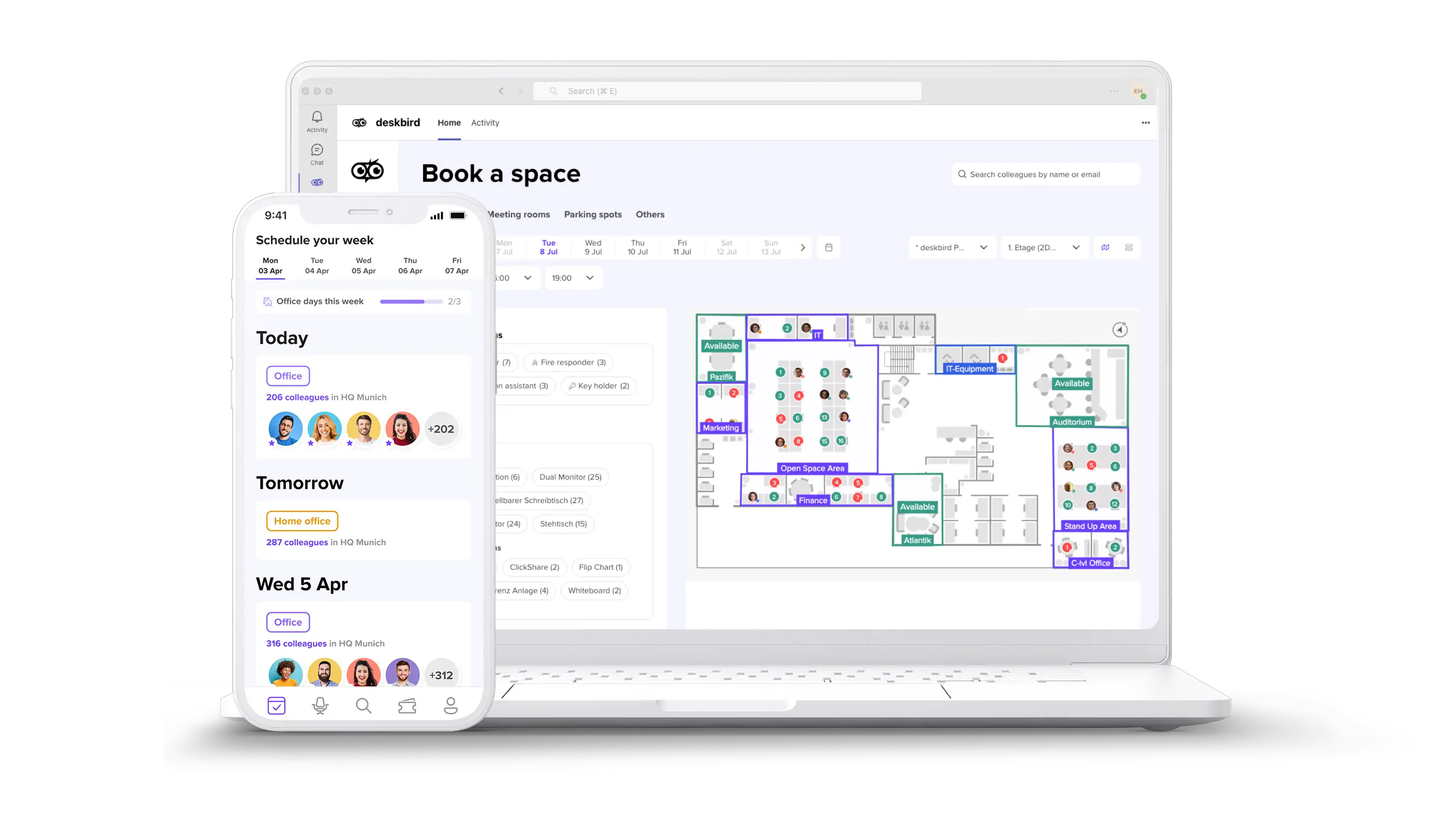
How deskbird syncs with Microsoft 365 and Outlook
The Outlook integration is usually a top priority for IT teams when looking into room booking software, given that Microsoft 365 holds 58% of the enterprise market. deskbird integrates natively with the Microsoft ecosystem, connecting directly to Outlook calendars and Microsoft Teams. Employees book desks and rooms inside the Microsoft tools they already use every day.
Every reservation made in the workplace platform appears as a detailed calendar event. These events include the specific location, floor number, and building details so employees know exactly where to go. Room bookings sync directly with Exchange Online resource calendars, ensuring shared meeting spaces reflect accurate availability across the entire company.
IT teams manage this integration securely through Azure AD or Entra ID. The setup supports Single Sign-On (SSO) and System for Cross-domain Identity Management (SCIM) for automated user provisioning. SCIM is a standard protocol that automatically creates and removes user accounts when employees join or leave the organization. This zero-touch deployment means IT administrators do not have to manually manage user access.
The integration requires no custom development. Once configured, it runs without ongoing maintenance from your IT team.
How deskbird syncs with Google Calendar and Workspace
Organizations running on Google infrastructure need the same level of deep integration to manage their real estate effectively. A reliable booking system with google calendar integration ensures employees do not have to learn a new tool to plan their office days. deskbird connects directly to the Google Calendar API to manage both personal schedules and shared resources.
Desk and room reservations automatically generate calendar events on the user's Google Calendar. These events block off the appropriate time and display all necessary location details. The system also reads existing Google meeting room resources, allowing employees to continue booking spaces exactly as they did before.
Administrators retain full control through the Google Workspace admin console. The integration respects all existing permissions and access restrictions configured within your Google environment. Organizations using Google Workspace receive the exact same bidirectional sync capabilities and data accuracy as those using Microsoft systems.
What exactly syncs between deskbird and your calendar?
Understanding exactly what data moves between systems helps IT teams configure the right permissions. The sync focuses strictly on booking data and resource availability, keeping personal meeting subjects and details private.
[Table1]
Calendar events generated by the platform include helpful context like links to interactive floor plans. This extra detail helps employees find their reserved spaces quickly in large offices spanning tens of thousands of square meters. If an employee adjusts the time of their reservation in their calendar, that change instantly reflects on the live office map.
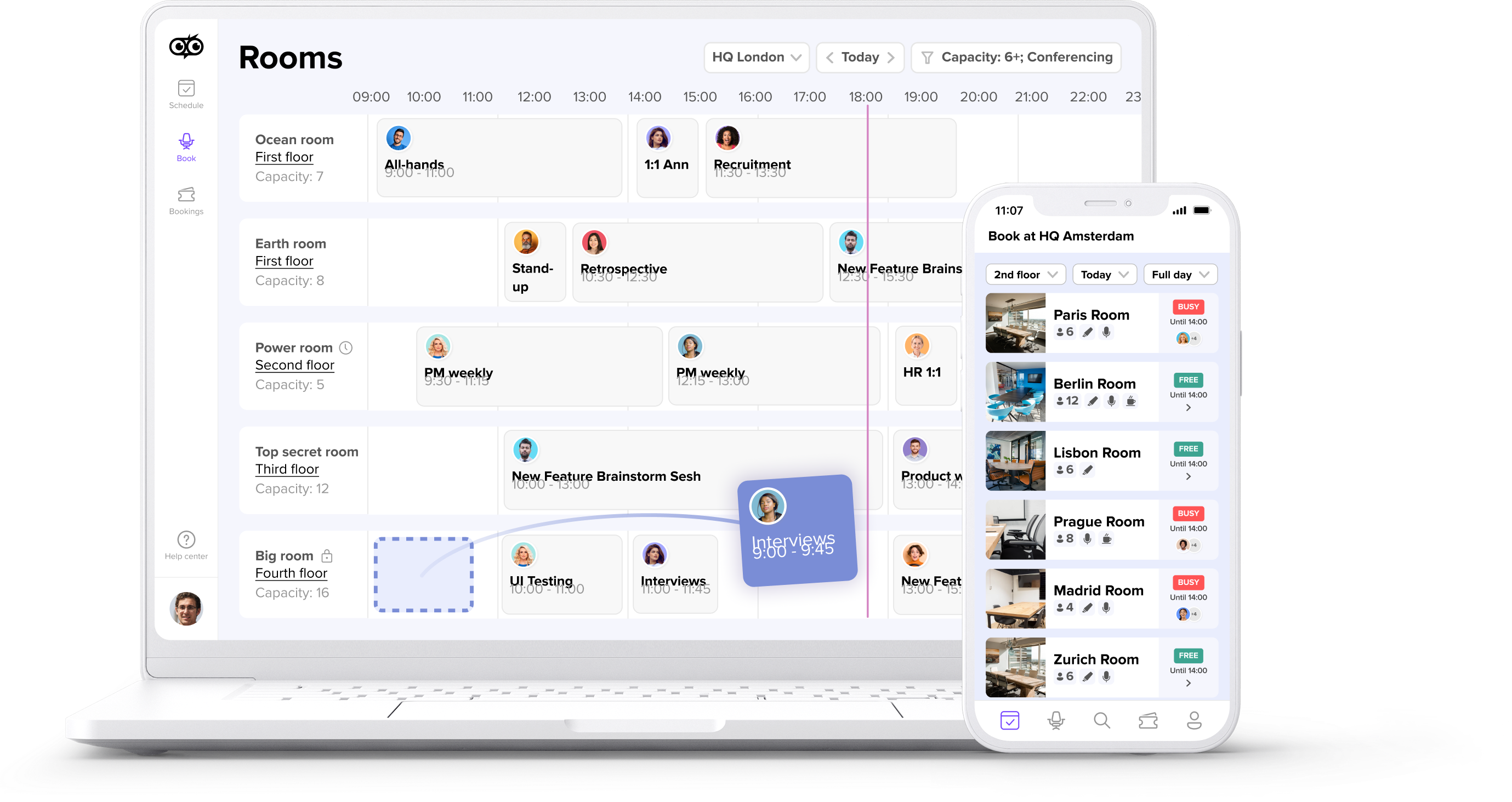
Setting up calendar sync in deskbird
Implementing a bidirectional sync requires a structured approach from your IT department to ensure data flows securely. The process is straightforward and does not require custom development or complex coding.
[Table2]
This streamlined setup process reduces the maintenance burden on IT teams managing large-scale deployments. Because the system uses SCIM for autoprovisioning, new employees automatically receive access to the booking tools with their calendar sync already active.
Common calendar sync issues and how to fix them
Even with native integrations, large organizations with thousands of employees occasionally encounter sync interruptions. Most of these issues resolve quickly when IT teams check a few common configuration settings.
[Table3]
If configuration adjustments do not resolve the issue, enterprise support teams can assist with complex tenant setups. Maintaining a healthy API connection ensures your utilization data remains highly accurate for real estate planning.
Security and privacy for calendar integrations
Calendar data contains sensitive information about employee schedules and meeting participants. Any integration needs to meet enterprise security standards before IT teams will approve it.
deskbird is built and hosted entirely in Europe, with data stored in Frankfurt under German law. The platform holds ISO 27001 certification and SOC 2 Type II compliance: the security standards enterprise IT teams look for when evaluating new tools. The GDPR-first approach to data hosting means personal data stays protected according to European privacy regulations.
The calendar sync only transfers booking-related data. Meeting subjects, attendee lists for non-room bookings, and other personal calendar details stay private. IT administrators control exactly what information flows between systems through the admin configuration settings.
Make your calendar the single source of truth for office days
When calendar sync works correctly, employees plan their office days directly from their schedule. No extra steps. They do not have to check multiple applications to see if a room is available or if their colleagues are in the building. The calendar becomes the single source of truth for all hybrid work coordination.
Workplace leaders gain accurate attendance data because the system captures actual behavior rather than just intended schedules. This transparency helps organizations make better decisions about space, people, and real estate costs. A connected workplace platform turns fragmented booking processes into smooth collaboration.
The connection between ease of use and data quality runs through everything. When employees find booking simple, they actually use the system. When they use the system, you get accurate data. Accurate data leads to better real estate decisions. To see two-way calendar sync in action, book a demo.

Frequently Asked Questions
Can deskbird sync with both Outlook and Google Calendar in the same organization?
Does the calendar sync work with Exchange resource mailboxes?
How long does it take for a booking to appear in my calendar?
What happens to my room booking if I delete the calendar event?
Does the integration require ongoing maintenance from IT?
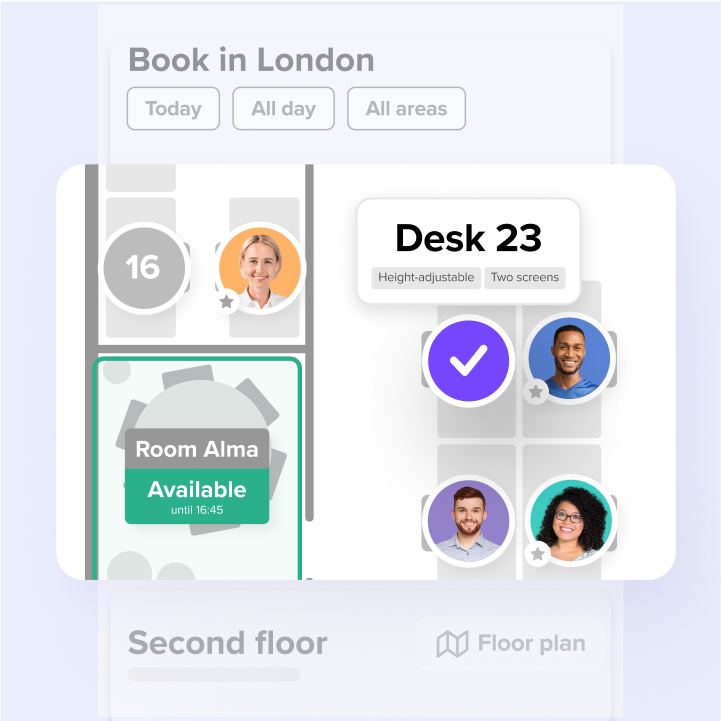
Keep your booking calendars in sync with deskbird
- Bookings sync in seconds across Microsoft 365 and Google Calendar
- No custom development, no ongoing IT maintenance required
- Get the accurate utilization data you need to right-size real estate
